82
Chapter 3.
Settings and Upgrade
Battery
Extending the Battery Usage Time
Decreasing the LCD Brightness
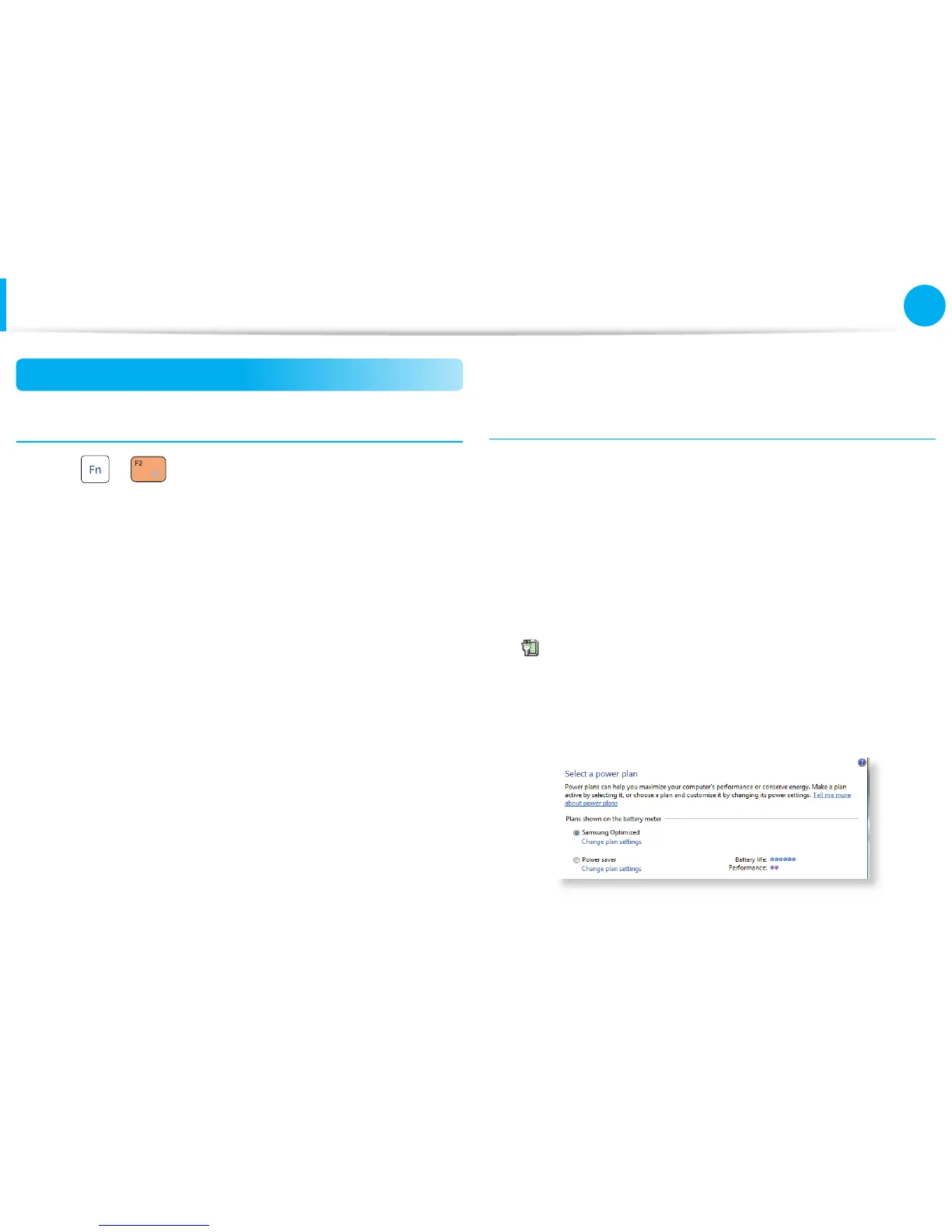
Press the + keys on the keyboard to decrease the LCD
brightness to extend the battery usage time.
Using the power management program
This program helps you use the battery more e ciently
and supports the power mode optimized for the operating
environment.
►
For Windows 7
1
Click Start > Control Panel > Hardware and Sound >
Power Options.
Alternatively, right-click the power measuring device icon
in the noti cation area of the taskbar and select Power
Options.
2
If the following screen appears, select one of the modes.






 To Next Page