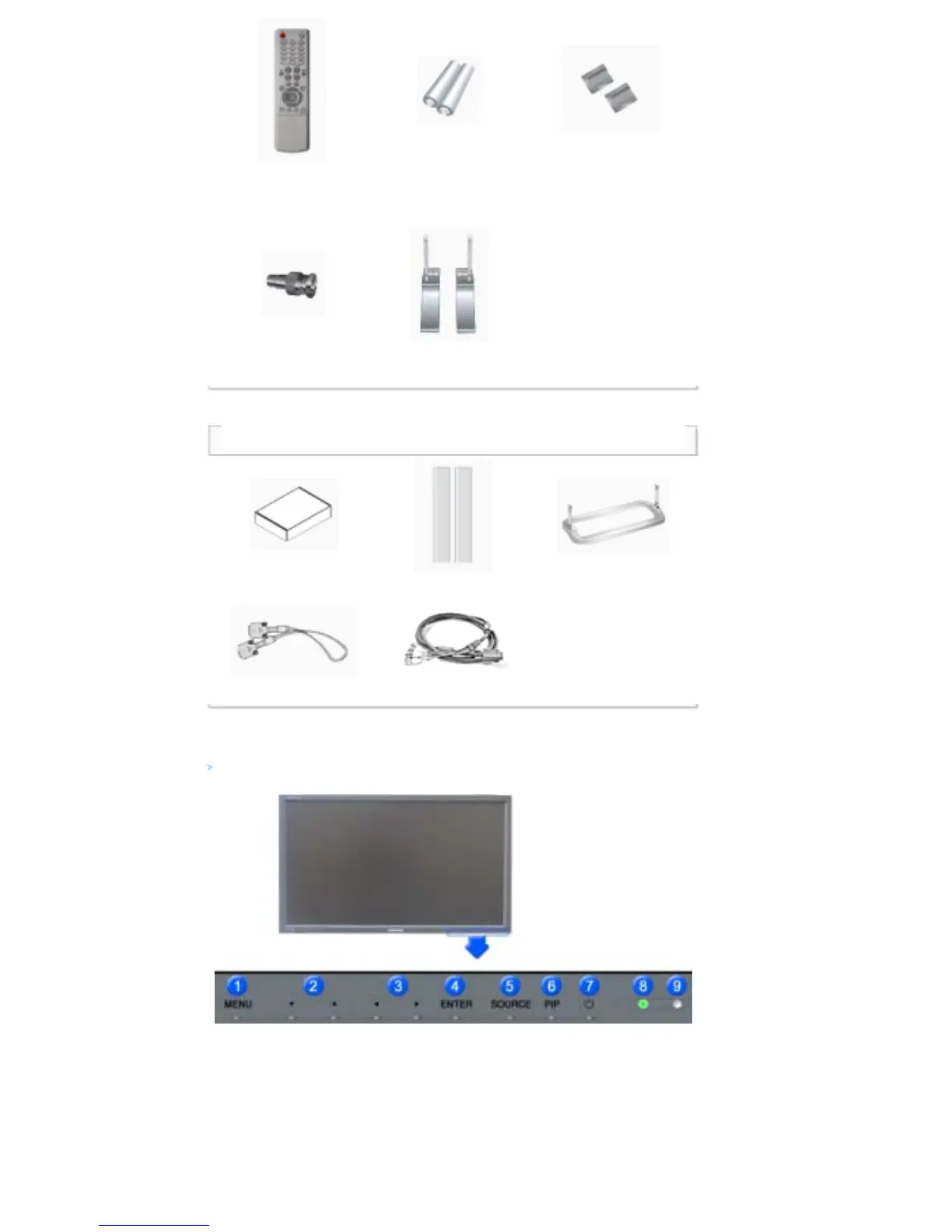
Remote Control
Batteries (AAA X 2)
(Not available in all
locations)
Cover-Hole
BNC to RCA
Adaptor Jack
Semi Stand
Sold separately
Wall Mount KIT Speaker Set Stand KIT
DVI Cable BNC Cable
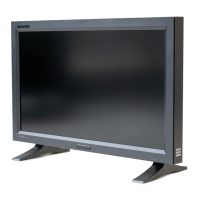
Your LCD Display
Front
1) MENU
Opens the on-screen menu and exits from the menu or closes the adjustment menu.
2) Navigate buttons (Up-Down buttons)
Moves from one menu item to another vertically or adjusts selected menu values.
3) Adjust buttons (Left-Right buttons)/ Volume buttons
Moves from one menu item to another horizontally or adjusts selected menu values.
Adjusts the audio volume.
4) ENTER






 To Next Page