Apps and features
76
•
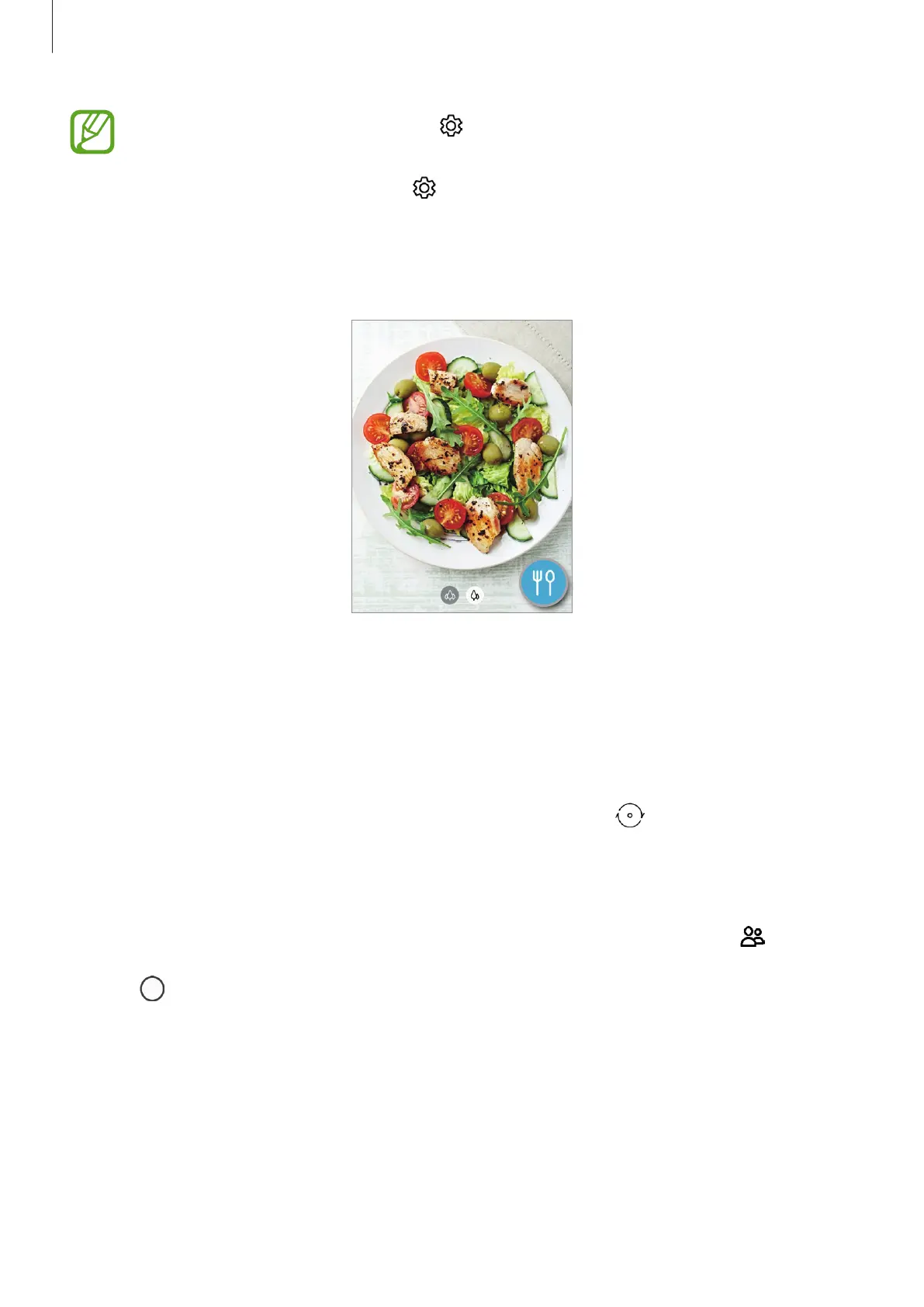
If this feature is not activated, tap on the preview screen and tap the
Scene
optimizer
switch to activate it.
•
To use additional features, tap on the preview screen, tap
Scene optimizer
, and
then tap the switches next to the features you want.
•
If you do not want to use this feature, tap the scene optimizer button on the
preview screen.
Taking selfies
You can take self-portraits with the front camera.
1
On the shooting modes list, tap
PHOTO
.
2
On the preview screen, swipe upwards or downwards, or tap to switch to the front
camera for self-portraits.
3
Face the front camera lens.
To take self-portraits with a wide-angle shot of the landscape or people, tap .
4
Tap to take a photo.



 To Next Page