Apps and features
87
Gallery
Introduction
View images and videos stored in your device. You can also manage images and videos by
album or create stories.
Viewing images
1
Launch the
Gallery
app and tap
Pictures
.
2
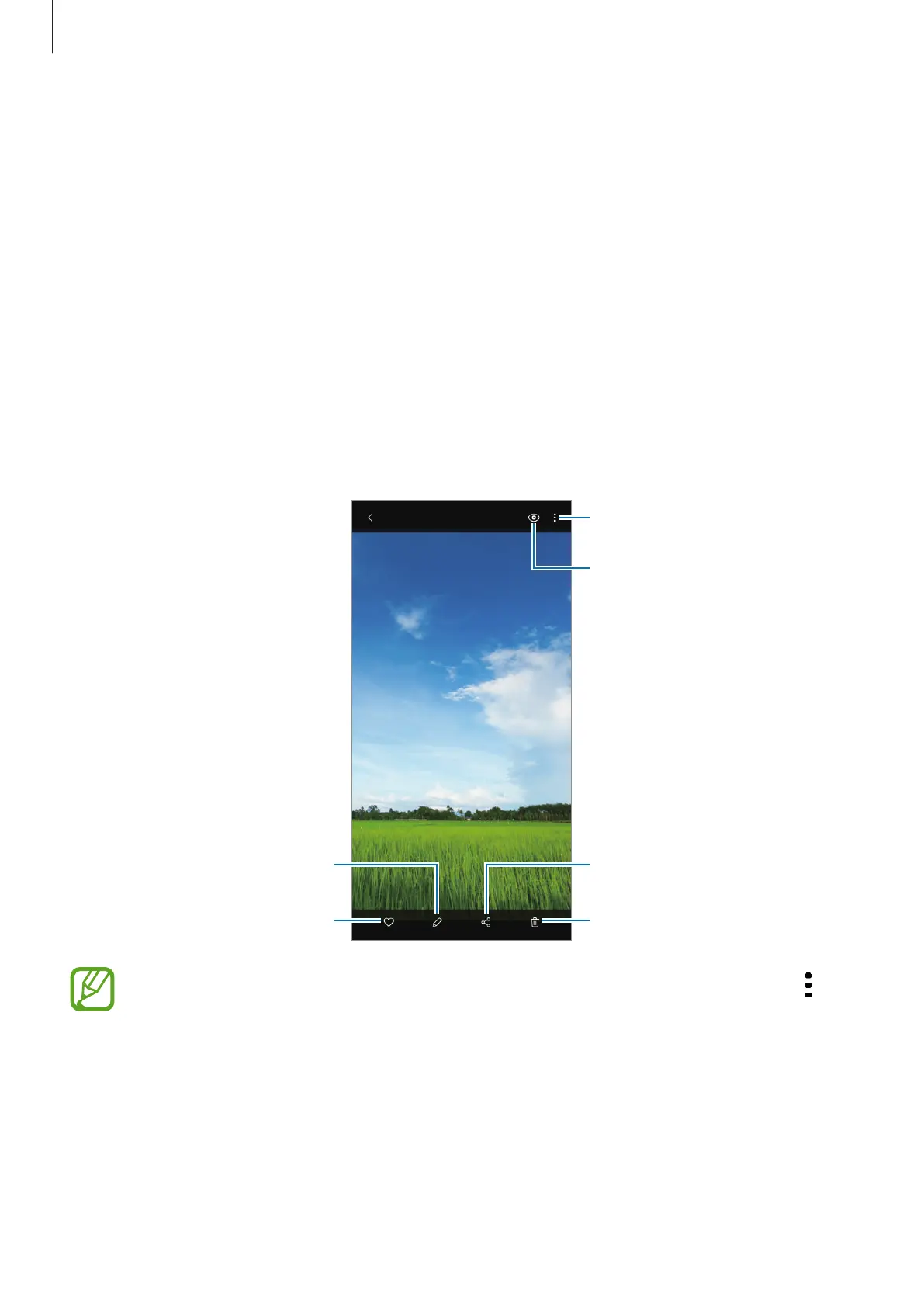
Select an image.
Access additional options.
Delete the image.
Share the image with others.
Add the image to favourites.
Modify the image.
Bixby Vision
You can create an animated GIF or collage from multiple images. On the list, tap
→
Create GIF
or
Create collage
, and then select images.



 To Next Page