EasyManua.ls Logo

Samsung AM7500 - User Manual

Samsung AM7500
69 pages
Print Icon
To Next Page IconTo Next Page
Loading...
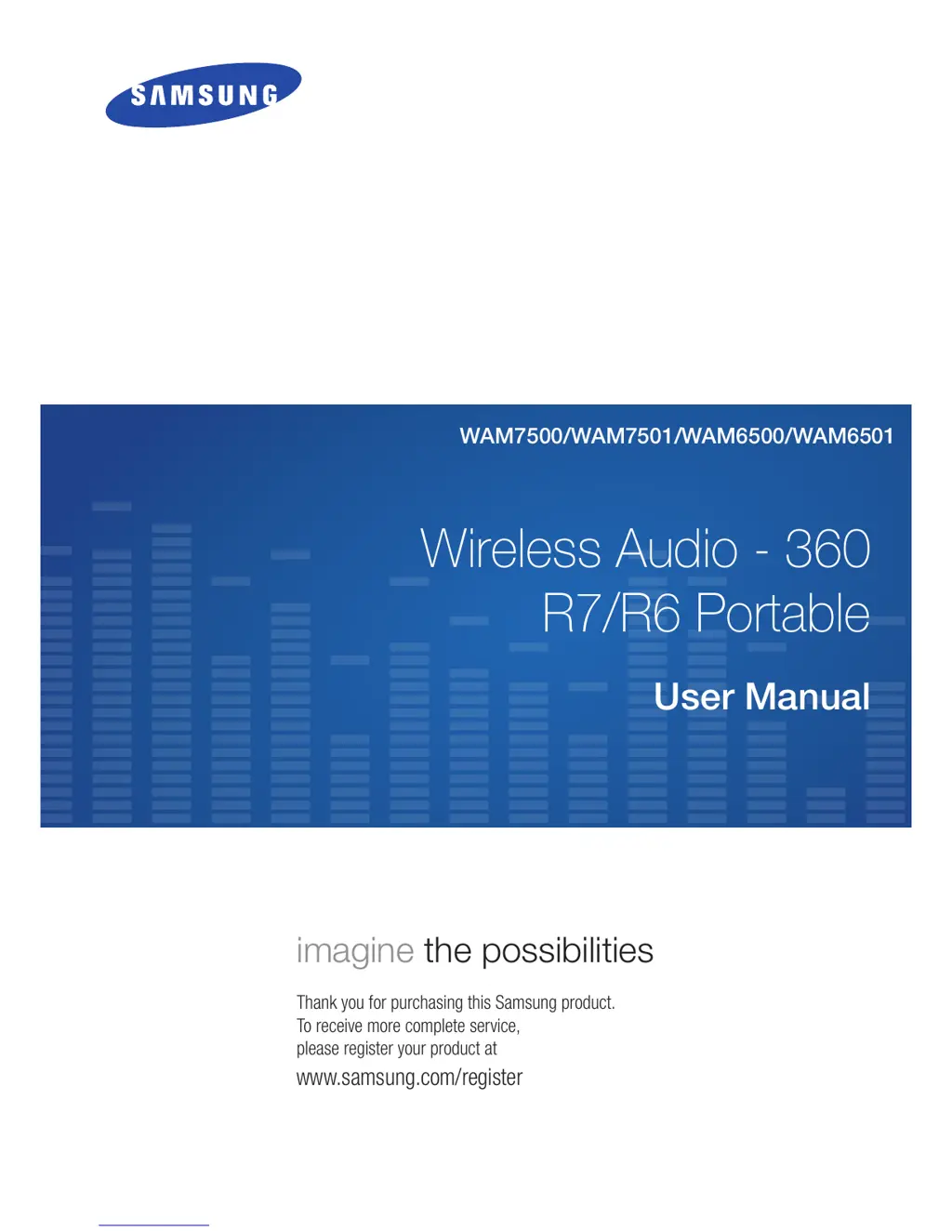
Wireless Audio - 360
R7/R6 Portable
WAM7500/WAM7501/WAM6500/WAM6501
User Manual
imagine the possibilities
Thank you for purchasing this Samsung product.
To receive more complete service,
please register your product at
www.samsung.com/register

Table of Contents

Questions and Answers

  • S
    smithbillySep 8, 2025
    What to do if a function doesn't work when pressing a button on my Samsung Media Player?
    • S
      Sara CarpenterSep 8, 2025
      If a function on your Samsung Media Player doesn't work when a button is pressed, it might be due to static electricity in the air. Disconnect the power plug and connect it again.
  • A
    Alexis SmithAug 23, 2025
    What to do if my Samsung Speakers produce no sound?
    • K
      Kathy AguilarAug 23, 2025
      If your Samsung Speakers aren't producing sound, ensure the volume isn't set to the minimum. Also, check if the product is correctly connected and adjust the volume accordingly.
  • D
    Donald SantosAug 25, 2025
    What to do if my Samsung Speakers HUB doesn't work properly?
    • M
      Melinda FletcherAug 25, 2025
      If your Samsung Speakers HUB isn't working properly, ensure it's plugged in. Connect the LAN cable to the ETHERNET SWITCH on the back of the HUB and to your wireless router. You can also try resetting the HUB. If you're experiencing connection troubles between the HUB and the product, try relocating the product closer to the wireless router or HUB.
  • U
    uhornAug 26, 2025
    How to fix Samsung Speakers that are not working properly?
    • A
      Angela GreenAug 27, 2025
      If your Samsung Speakers product isn't working properly, ensure it's plugged in. Check if the Wi-Fi router you're using has been certified for Wi-Fi. Try unplugging the product, plugging it back in, and then reconnecting it to the router. If used with a HUB, make sure the smart device and the HUB are connected to the same Wi-Fi network, and that the HUB's indicator LEDs show that it is working correctly. If the problem persists, reset the HUB. Unplug, then plug in the HUB, and then unplug and plug in the product. If you experience troubles with connecting the HUB and product, try relocating the product so that the product is closer to the wireless router or HUB.
  • S
    Stacey MillerAug 27, 2025
    Why is there no sound on my Samsung AM7500?
    • D
      Dr. Shannon JonesAug 27, 2025
      If you aren't getting any sound from your Samsung Media Player, first ensure the volume isn't set to the minimum. Also, make sure the speaker is connected correctly and adjust the volume.
  • A
    Andrew PriceSep 22, 2025
    How to turn on Samsung Portable Speakers?
    • J
      Jessica LiSep 22, 2025
      Connect the power cord to the outlet.
  • G
    Gabriel HughesSep 16, 2025
    Why is the Multiroom app not working for my Samsung Portable Speakers?
    • K
      Kristin PotterSep 16, 2025
      If the Multiroom app isn't working properly, ensure that your smart device is compatible with the app. Make sure the app is the latest version, your WAM speaker's front LED turns from red to blue, and the HUB and the smart device are connected to the same router. Try relocating the speaker so that it is closer to the wireless router or HUB.
  • D
    David RoseSep 18, 2025
    Why can't I group products on my Samsung Portable Speakers?
    • S
      Samantha WrightSep 18, 2025
      If the speakers are connected to the network via Bluetooth or TV SoundConnect, you cannot use the group products function.
  • B
    Brianna GreeneSep 7, 2025
    Why can't I group products on my Samsung Speakers?
    • H
      Heather MillerSep 7, 2025
      If you cannot group products with your Samsung Speakers, it might be because the product is connected to the network via Bluetooth or TV SoundConnect. The group products function is not available in these connection modes.
  • G
    Garrett NovakSep 4, 2025
    Why is the app not working properly with my Samsung Speakers?
    • A
      Andrew LittleSep 4, 2025
      If the app isn't working properly with your Samsung Speakers, ensure your smart device is compatible with the app. Verify that the app is the latest version and that the product's front LED turns from red to blue. If you're using a HUB, make sure the HUB and the smart device are connected to the same router. Also, check that the HUB's indicator LEDs show that it is working correctly. If you're experiencing connection troubles, try relocating the product closer to the wireless router or HUB.

Samsung AM7500 Specifications

General IconGeneral
BrandSamsung
ModelAM7500
CategoryMedia Player
LanguageEnglish

Related product manuals