Media and tray
34
2. Menu Overview and Basic Setup
• Always load the specified print media only to avoid paper jams and print
quality problems (see "Print media specifications" on page 104).
• Flatten any curl on postcards, envelopes, and labels before loading them
into the multi-purpose (or manual feeder) tray.
1
Pull out the paper tray for manual feeding.
OR
Press the push-release of multi-purpose tray and it down to open.
2
Load the paper.
3
Squeeze the multi-purpose (or manual feeder) tray paper width guides
and adjust them to the width of the paper. Do not force them too much,
or the paper will bent resulting in a paper jam or skew.
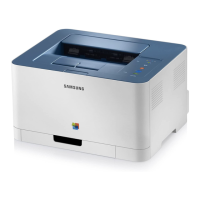
CLP-41xN Series/CLP-41xNW Series
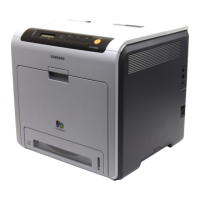
CLP-68xND Series/ CLP-68xDW Series
CLP-41xN Series/CLP-41xNW Series
CLP-68xND Series/ CLP-68xDW Series
CLP-41xN Series/CLP-41xNW Series
CLP-68xND Series/ CLP-68xDW Series
2
1



 To Next Page
 Loading...