Need help?
Do you have a question about the Samsung da-f560 and is the answer not in the manual?
Connect NFC compatible devices via Bluetooth for simple setup and audio playback.
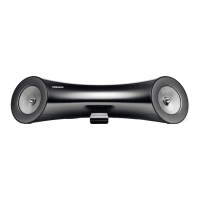
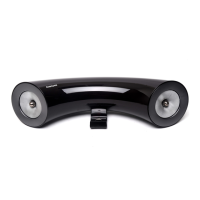
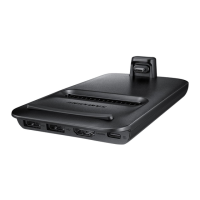
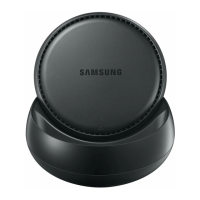
Use the docking station to dock, charge, and play Samsung Galaxy devices.
Crucial warnings regarding electric shock, user-serviceable parts, and general operating safety.
Guidelines for product placement, ventilation, avoiding heat, moisture, and static electricity.
Information on battery contents and correct disposal methods for environmental safety.
Key terms, icons, initial guidance, and a list of supplied accessories.
Detailed diagrams and labels for the front and rear panels of the device.
Guide to the remote control's buttons, battery installation, and operation range.
Instructions for powering the unit on and off using the device or remote control.
Methods for increasing or decreasing the audio volume using the device or remote.
How to attach rubber parts for device docking to prevent direct contact.
Step-by-step guide to connect a Samsung Galaxy device to the unit's dock.
Instructions for connecting external audio devices using the analog AUX IN port.
Procedure for establishing a Bluetooth connection using NFC for compatible devices.
Guide to connecting and using Bluetooth-enabled devices for wireless audio streaming.
How to choose between Docking, Bluetooth, and AUX/USB input modes.
Steps to connect and play music from Samsung Galaxy devices using the dock.
Detailed instructions for connecting and operating the device in Bluetooth mode.
Guide for connecting USB storage devices and playing audio files.
Step-by-step instructions for upgrading the product's firmware via USB.
Technical details including model, weight, dimensions, and performance characteristics.
Information on correct disposal of the product and its batteries for environmental protection.
 General
| Model | DA-F560 |
|---|---|
| Category | Docking Station |
| Wireless | Yes |
| Power Supply | AC Adapter |
| Power Delivery | No |
| Connectivity | Bluetooth, NFC |
| Audio Output | 3.5mm |
| Ports | 3.5mm |
| Compatibility | Samsung smartphones and tablets |

 To Next Page