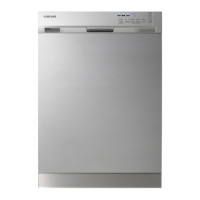
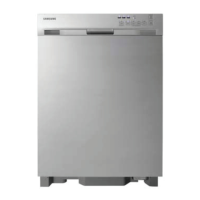
To access Service Test Mode Door Must Be Closed
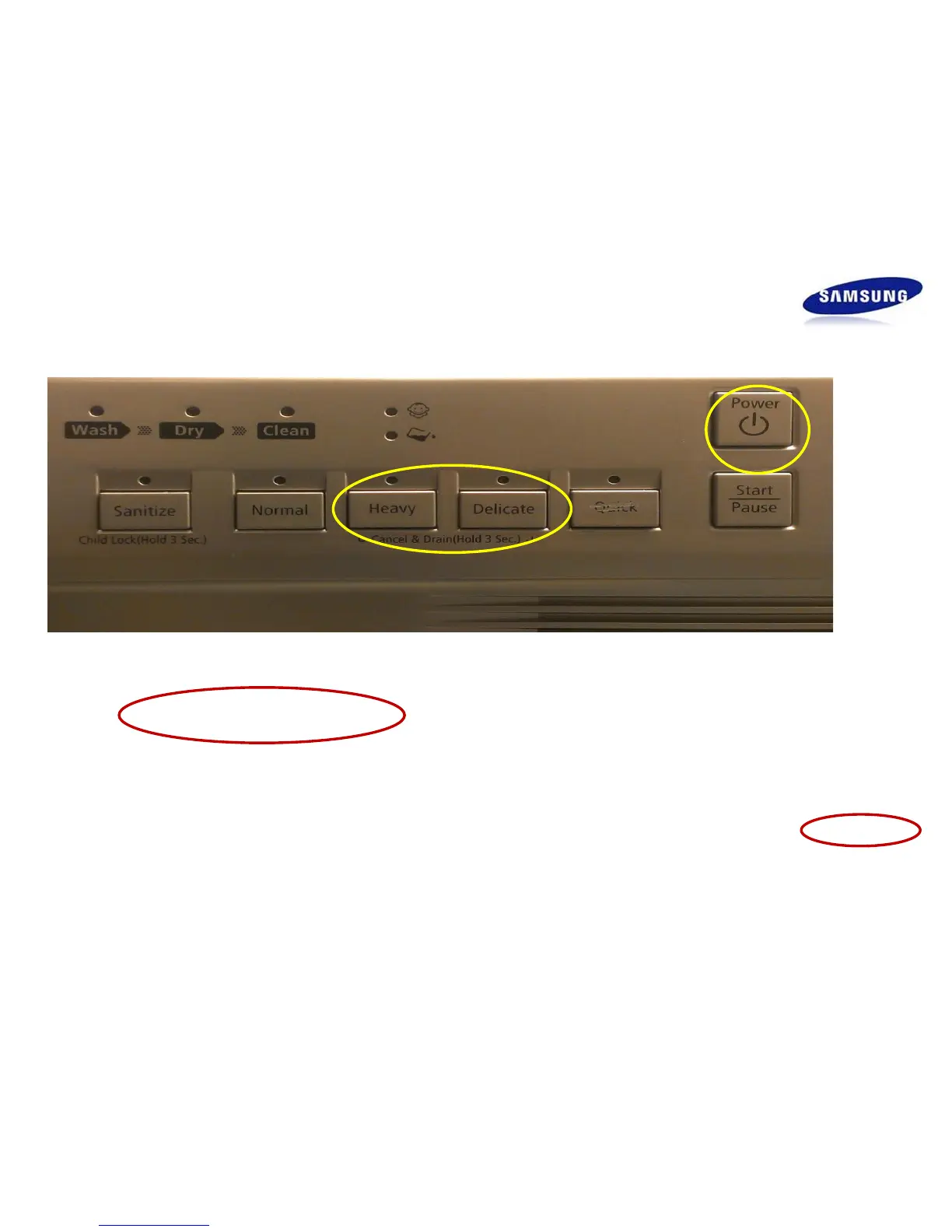
• Press the Heavy + Delicate + Power buttons at the same time for two seconds to enter
Service Test Mode.
• All LEDs are displayed for the first two seconds and then Software version will be indicated
in Binary Code using LEDS ….Wash / Dry / Clean/Child Lock
• Just like the DMR series you advance through the test next mode by pressing the Normal
button . However each test will run by itself (see sequence chart on next page) when test has
completed an led will light to indicate test is done and you can then advance to the next test .
•Code list and descriptions located on pp#3. Note: Like the DMR series the codes are
displayed during operation or test modes and are not stored in memory.
Test Mode
How to Enter Test mode


 To Next Page
 Loading...