Getting started
5
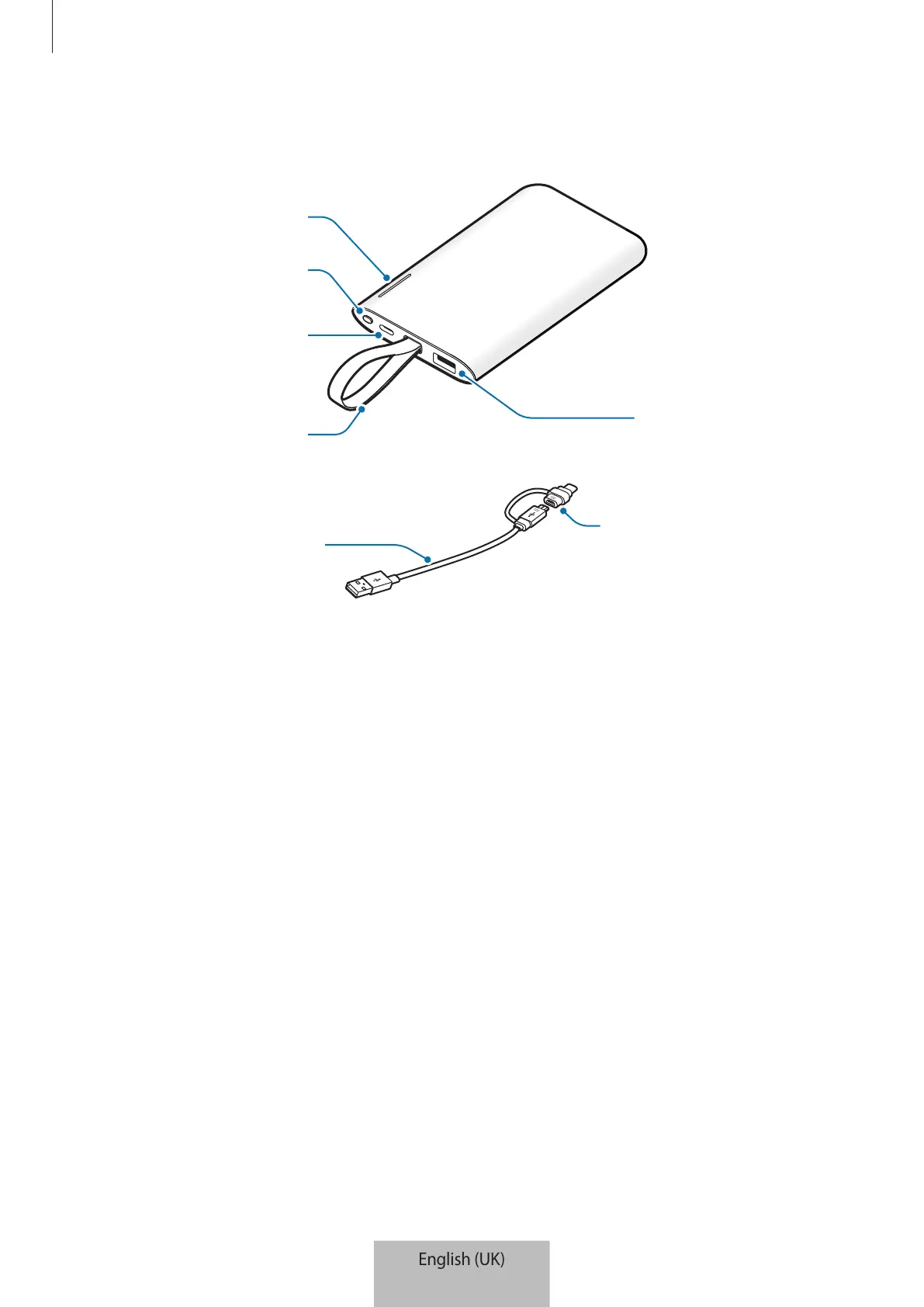
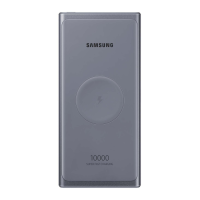
Device layout
Strap
USB charger port
Charger port
Reset/Battery Level
button
Indicator light
Micro USB connector
USB cable
Charging the battery
Battery charging tips and precautions
•
You can charge the battery pack using the charger (sold separately).
•
Depending on the type of charger you are using, you may need to use the Micro USB
connector.
•
Using a power source other than the charger, such as a computer, may result in a slower
charging speed due to a lower electric current.
•
The battery pack can be used while it is charging, but it may take longer to fully charge
the battery.
•
While charging, the battery pack may heat up. This is normal and should not affect the
battery pack’s lifespan or performance. If the battery gets hotter than usual, the charger
may stop charging.



 To Next Page