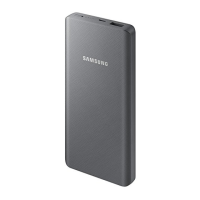
Getting started
4
Charging the battery
Charge the battery before using the product for the first time or when the product has
been unused for extended periods.
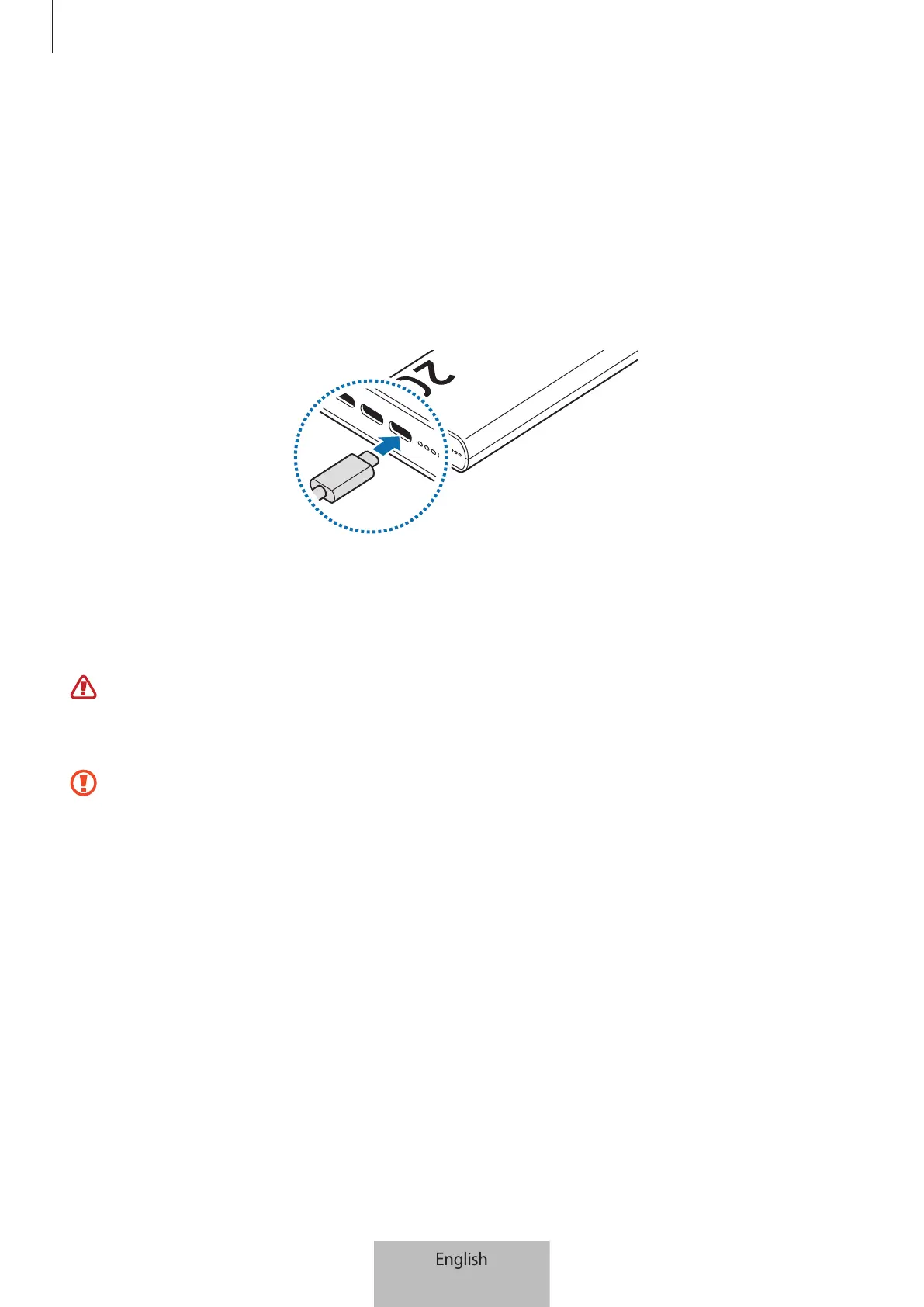
1 Connect the product to a charger.
When the charger is correctly connected to the product, the battery indicator lights
will turn on and blink.
2 When the product is fully charged, disconnect the product from the charger.
Battery charging tips and precautions
Use only Samsung-approved charger and cable specifically designed for your
product. Incompatible charger and cable can cause serious injuries or damage to
your product.
•
Connecting the charger improperly may cause serious damage to the product.
Any damage caused by misuse is not covered by the warranty.
•
Use only USB Type-C cable supplied with the product. The product may be
damaged if you use Micro USB cable.
•
If you charge the product while the charger port is wet, the product may be
damaged. Thoroughly dry the charger port before charging the product.



 To Next Page