4
English
Copyright © 2020 Samsung Electronics
•
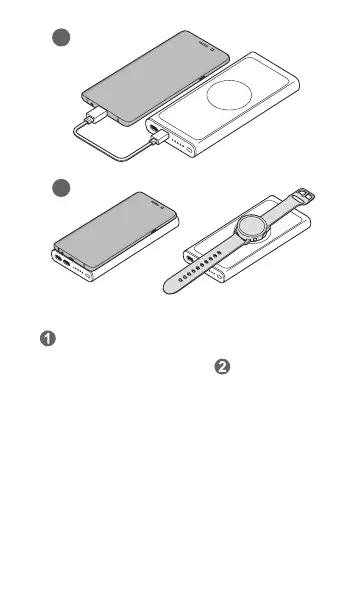
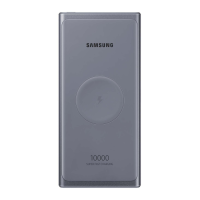
( ) Connect one end of the USB cable to the battery pack’s USB
charger port. Then, plug the other end of the USB cable into the
mobile device’s multipurpose jack. Or, (
) place a mobile device
or watch on the wireless battery pack. Charging will begin when
the charging coil comes into contact with the wireless charging
coil of the mobile device or watch.
•
Do not place foreign materials, such as metal objects, magnets,
and magnetic stripe cards, between the mobile device or watch
and the wireless charger.
•
If the charger is not connected, you must press the wireless
battery pack’s button to charge the mobile device or watch
wirelessly.
•
If the wireless battery pack, mobile device, or watch is not
charging, press and hold the wireless battery pack’s button for
more than 7 seconds to restart it.


 To Next Page