6
Checking the battery level
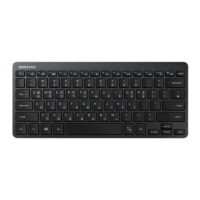
To check the battery level, press and hold the [Ctrl] key (located on the left corner) for 3 seconds.
Depending on the battery level, the indicator flashes as shown below.
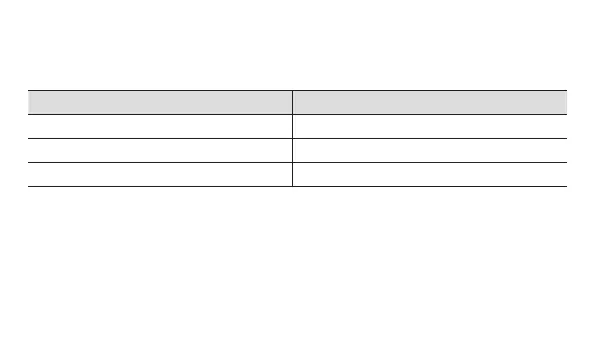
Battery level Battery level indicator
Above 80% Flashing three times
80 ~ 20% Flashing two times
Below 20% Flashing one time


 To Next Page