Need help?
Do you have a question about the Samsung EF-DT970 and is the answer not in the manual?
Explains warning, caution, and note symbols used in the manual for user guidance.
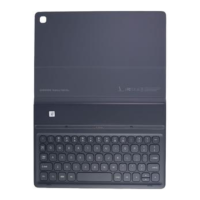
Lists the items included in the product packaging, such as stand cover and keyboard.
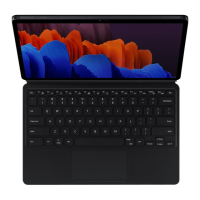
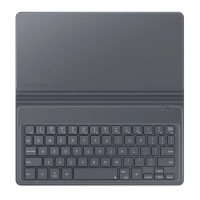
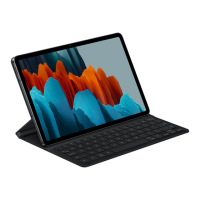
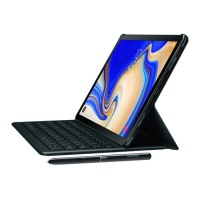
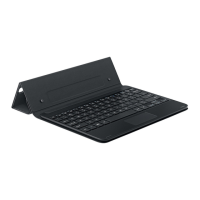
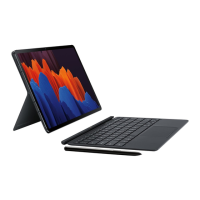
Illustrates and labels the physical components of the stand cover and keyboard.
Provides step-by-step instructions on how to connect the keyboard to the tablet securely.
Guides users on how to adjust the stand cover's angle for optimal viewing positions.
Details the functions of special keys and shortcuts for EF-DT870 and EF-DT970 models.
Explains the various gestures and functions available on the keyboard's touchpad.
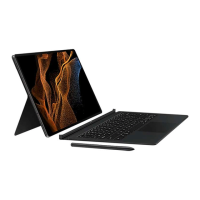
Instructions on how to correctly attach and store the S Pen with the keyboard cover.
 General
| Numeric keypad | No |
|---|---|
| Keyboard layout | - |
| Pointing device | Touchpad |
| Keyboard number of keys | 80 |
| Cover | Yes |
| Compatibility | Galaxy Tab S7+ |
| Product color | Black |
| Brand compatibility | Samsung |
| Device interface | Pogo Pin |
| Connectivity technology | Docking |
| Power source | Dock |
| Mobile operating systems supported | Android |
 Weight and Dimensions
| Depth | 14.7 mm |
|---|---|
| Width | 285.3 mm |
| Height | 191.4 mm |
| Weight | 505 g |

 To Next Page