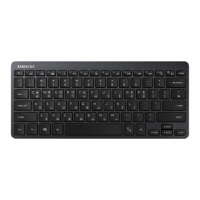
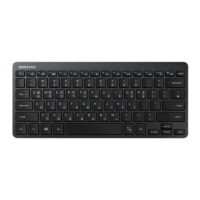
Using the keyboard
7
Using the keys
Set the input language on the tablet before you use the keyboard. For more information
about setting the input language, refer to the tablet's user manual.
X
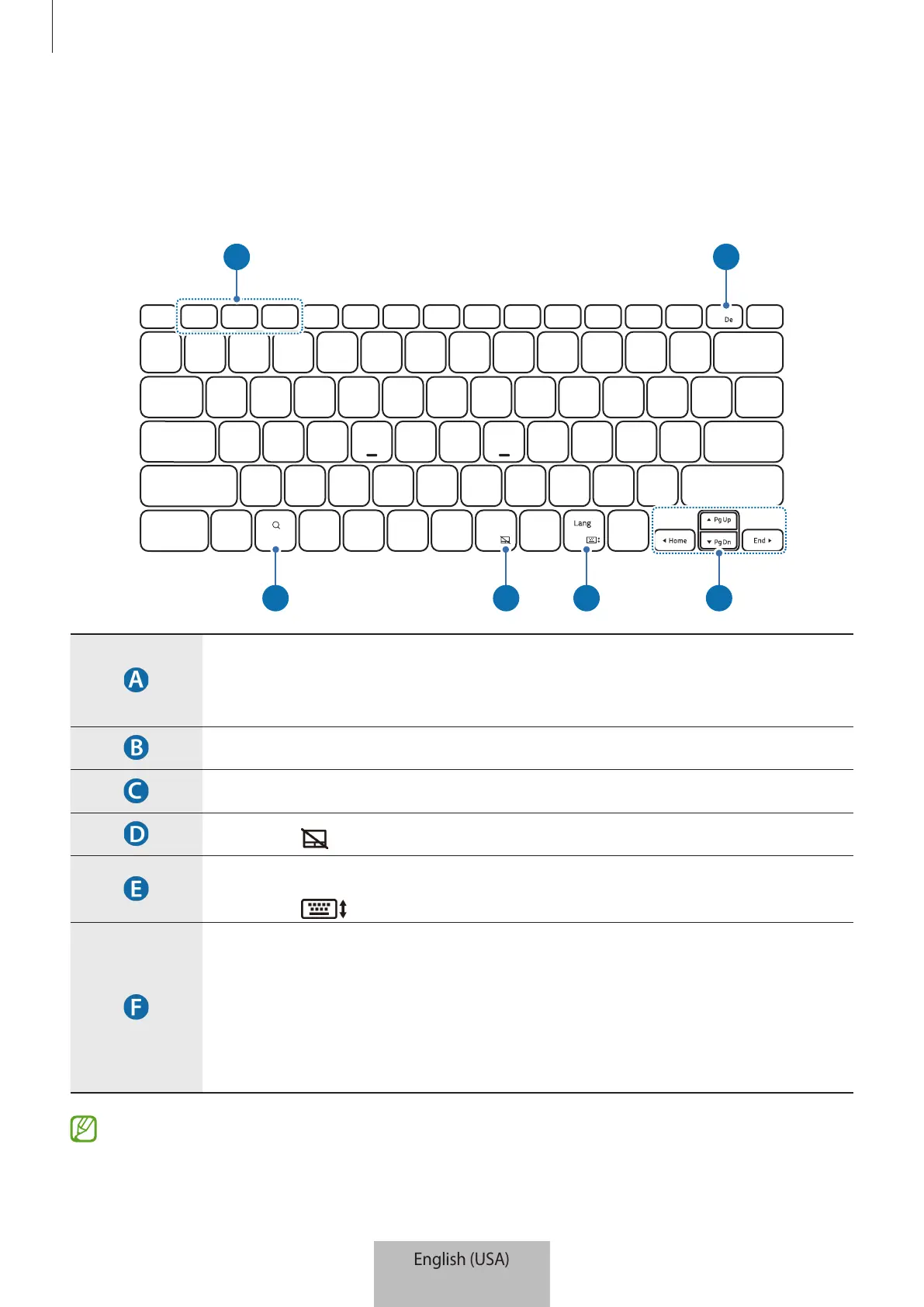
APP1 APP2 APP3
•
[
Fn
] + [
APP1
]/[
APP2
]/[
APP3
]: Launch the favorite apps.
To save an app to favorites, launch an app you want and press and hold
the
Fn
key and the
APP1
/
APP2
/
APP3
key for 3 seconds.
•
[
Fn
] + [
DeX
]: Launch or close Samsung DeX.
•
Search the contents.
•
[
Fn
] + [ ]: Enable or disable the touchpad.
•
[
Lang
]: Change between input languages.
•
[
Fn
] + [ ]: Enable or disable the on-screen keyboard.
•
▲
/
▼
/
◄
/
►
: Move the cursor or system caret.
•
[
Fn
] + [
▲
]: Page Up
•
[
Fn
] + [
▼
]: Page Down
•
[
Fn
] + [
◄
]: Home
•
[
Fn
] + [
►
]: End
For more information about Samsung DeX, refer to the tablet's user manual.


 To Next Page