Bluetooth connections
9
Connecting devices via Bluetooth
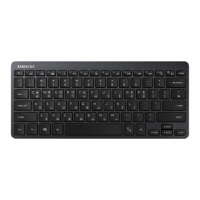
This keyboard is optimised to connect with the SAMSUNG Galaxy Tab S2. When connecting
to devices other than the SAMSUNG Galaxy Tab S2, the keyboard may not work properly or
some of its features may not be available.
1
Keyboard Slide the Power switch to turn on the keyboard.
2
Keyboard Press and hold the key (
F11
or
F12
) for approximately three seconds to
enter Bluetooth pairing mode.
The notification light will flash red, green, and blue.
When you turn on the keyboard for the first time, it automatically enters Bluetooth
pairing mode.
3
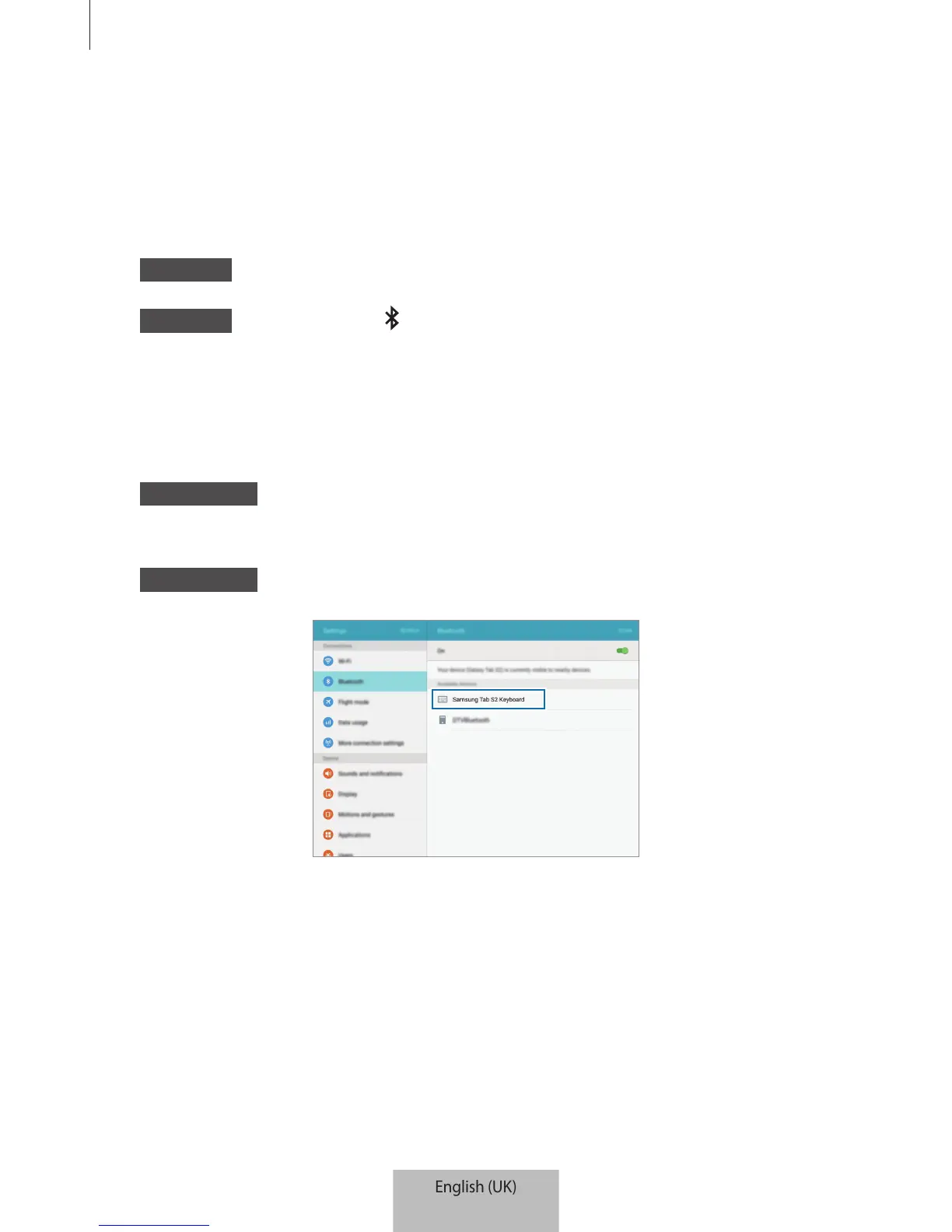
Other device Activate the Bluetooth feature and search for Bluetooth devices.
For more information, refer to the other device’s user manual.
4
Other device Tap
Samsung Tab S2 Keyboard
from the list of available devices.


 To Next Page