6
Using the wireless charger
Charging your mobile device
1
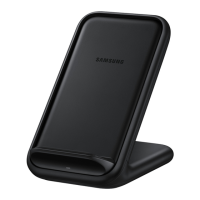
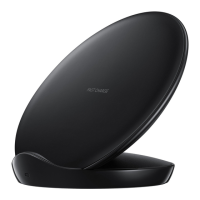
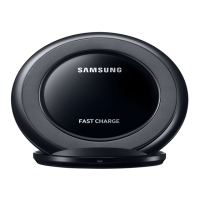
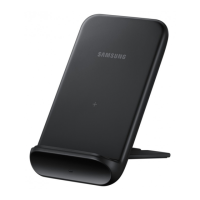
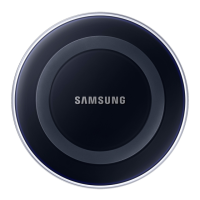
Connect the charger to the wireless charger.
When the charger is correctly connected to the wireless charger, the indicator light
flashes red, green, and orange, and then turns off.
Use only Samsung-approved chargers (9.0 V/2.77 A) provided with the wireless
charger.


 To Next Page
 Loading...