5
Using the device
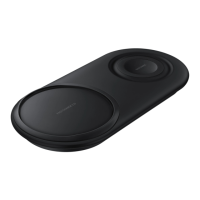
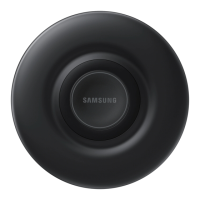
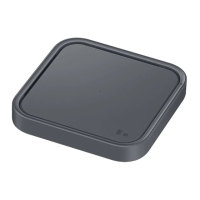
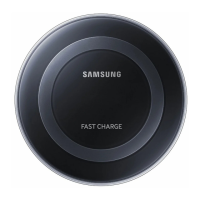
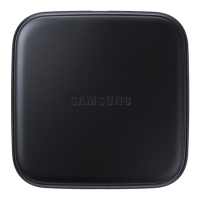
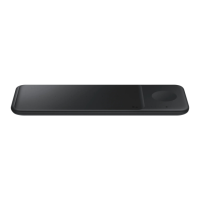
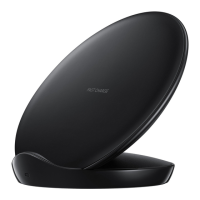
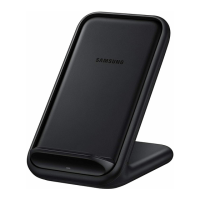
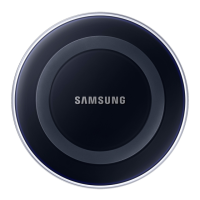
Using wireless charger
1
Connect the wireless charger and a travel adaptor with a charging cable, and plug the
travel adaptor into an electric socket.
When the wireless charger is connected to the electric socket, the indicator light flashes
from blue to green to cyan, and then turns off.
Use only Samsung-approved travel adaptors (5 V/2 A). Unauthorised travel adaptors
may cause damage or the wireless charger may malfunction.


 To Next Page
 Loading...