Apps and features
82
Using swipe gestures
Quickly control the preview screen by swiping in different directions. You can change the
shooting mode, switch between cameras, or apply filters or other effects.
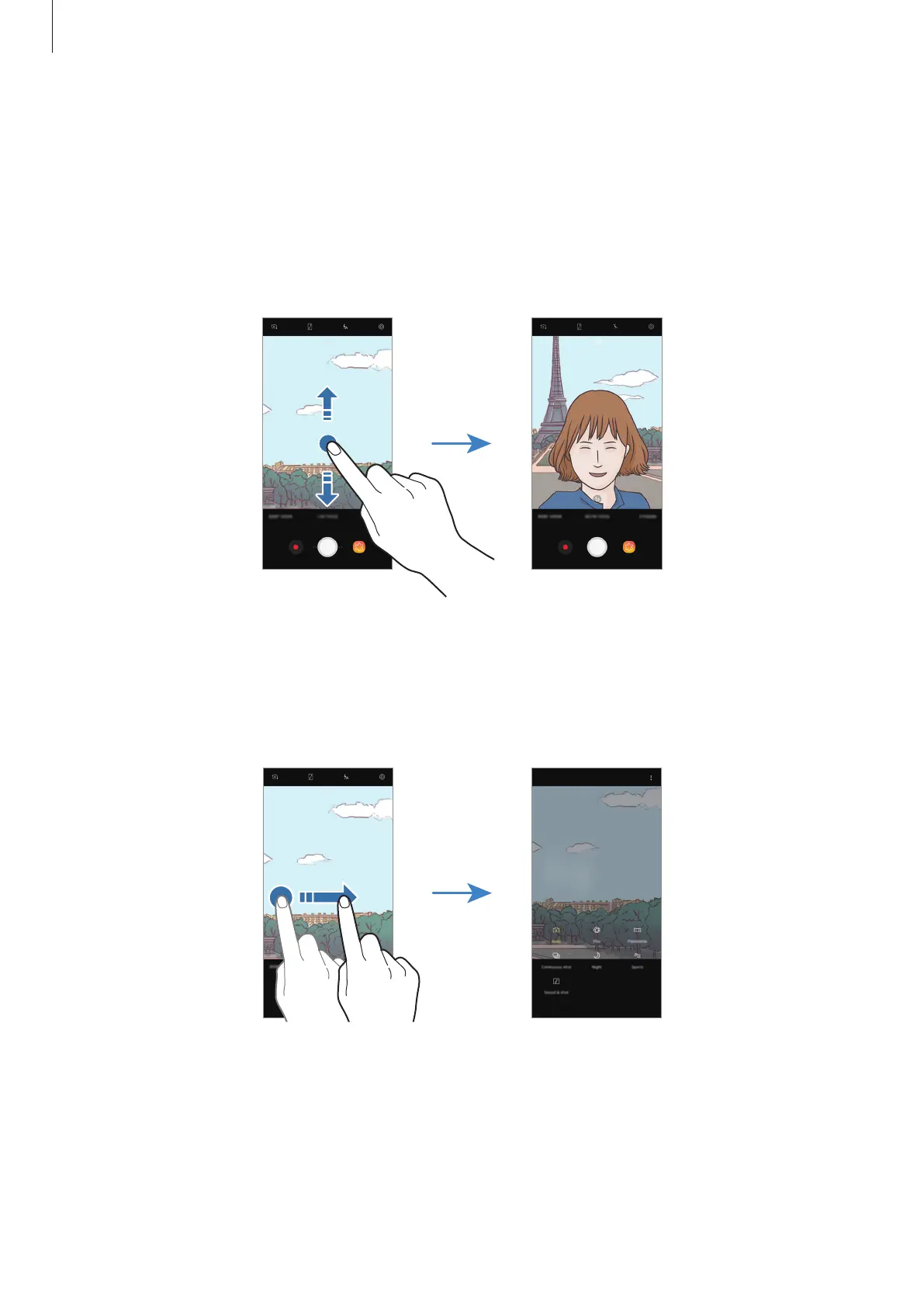
Switching cameras
On the preview screen, swipe upwards or downwards to switch between cameras.
Front camera previewRear camera preview
Changing shooting modes
On the preview screen, swipe to the right to open the shooting modes list.
Select a shooting mode you want.
Rear camera preview Shooting modes










 To Next Page