57
My FilesApplications
Access files stored on your
device, including images, videos,
songs, and sound clips.
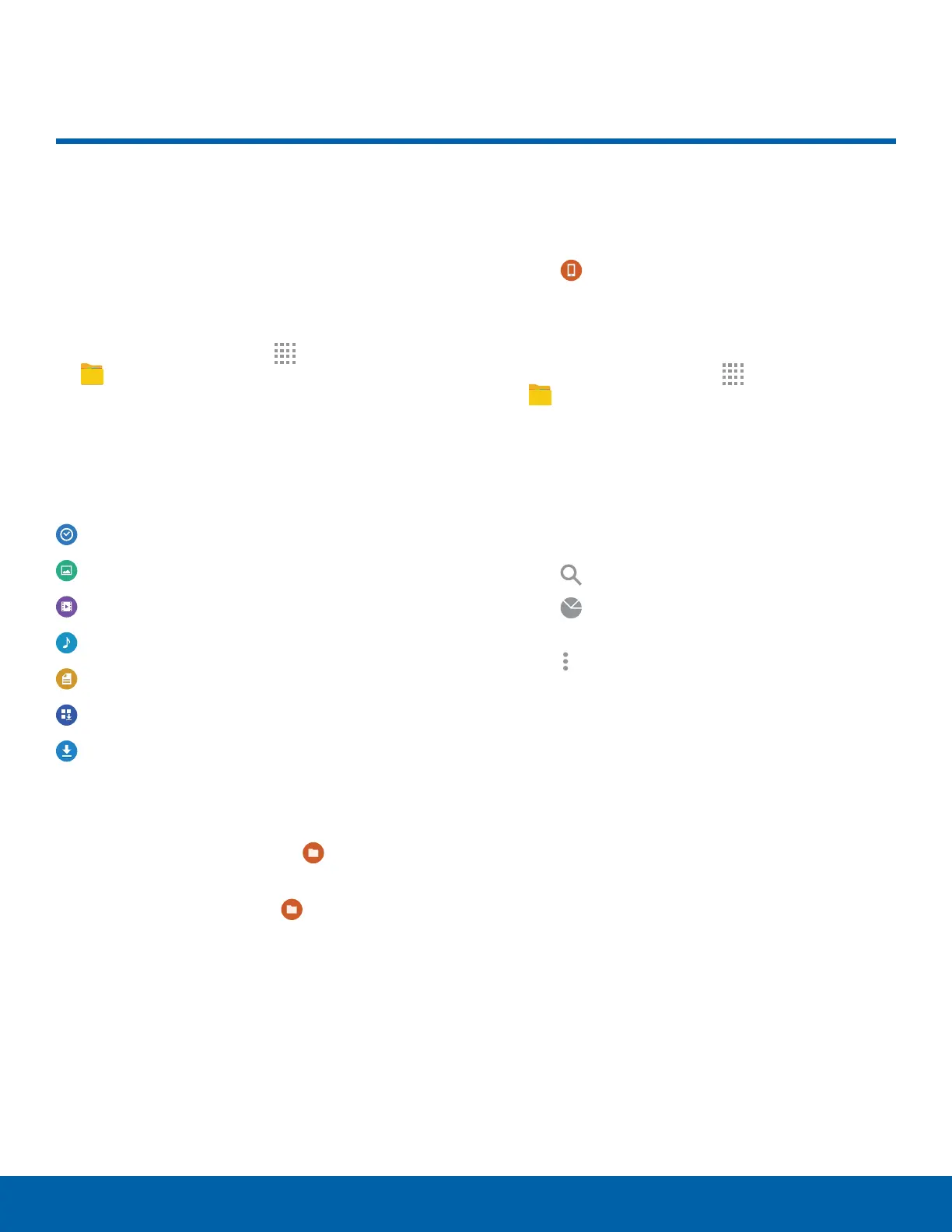
To access the My Files app:
► From a Home screen, tap
Apps >
MyFiles.
File Groups
Files stored in the device are organized into the
following groups:
Recent files: View recently saved files.
Images: View image files.
Videos: View video files.
Audio: View audio files.
Documents: View document files.
Downloaded apps: View downloaded apps.
Download History: View all apps and files that
have been downloaded to the device.
Shortcuts
When you add shortcuts folders, displays on the
main MyFiles screen.
► Touch and hold a shortcut
to rename or
delete the shortcut.
Local Storage
To view folder and files located on the device:
► Tap
Device storage.
View Files in My Files
1. From a Home screen, tap Apps >
MyFiles.
2. Tap a group.
3. Tap a file or folder to open it.
My Files Options
On the main My Files screen:
1. Tap
Search, and then enter search criteria.
2. Tap
Storage usage to view memory
information for your device.
3. Tap
More options for these options:
•
Add shortcut: Add a shortcut to a folder on
the My Files main screen.
•
Add FTP server: Add an FTP server shortcut
on the My Files main screen.
•
Scan for nearby devices: Search for devices
that have media sharing activated.
•
Settings: Change the settings for viewing files.
My Files








 To Next Page