3
EN
Control Panel Accessories
Depending on the model that you have purchased, you are supplied
with several accessories that can be used in a variety of ways.
DO NOT operate the microwave oven without the roller ring and
turntable.
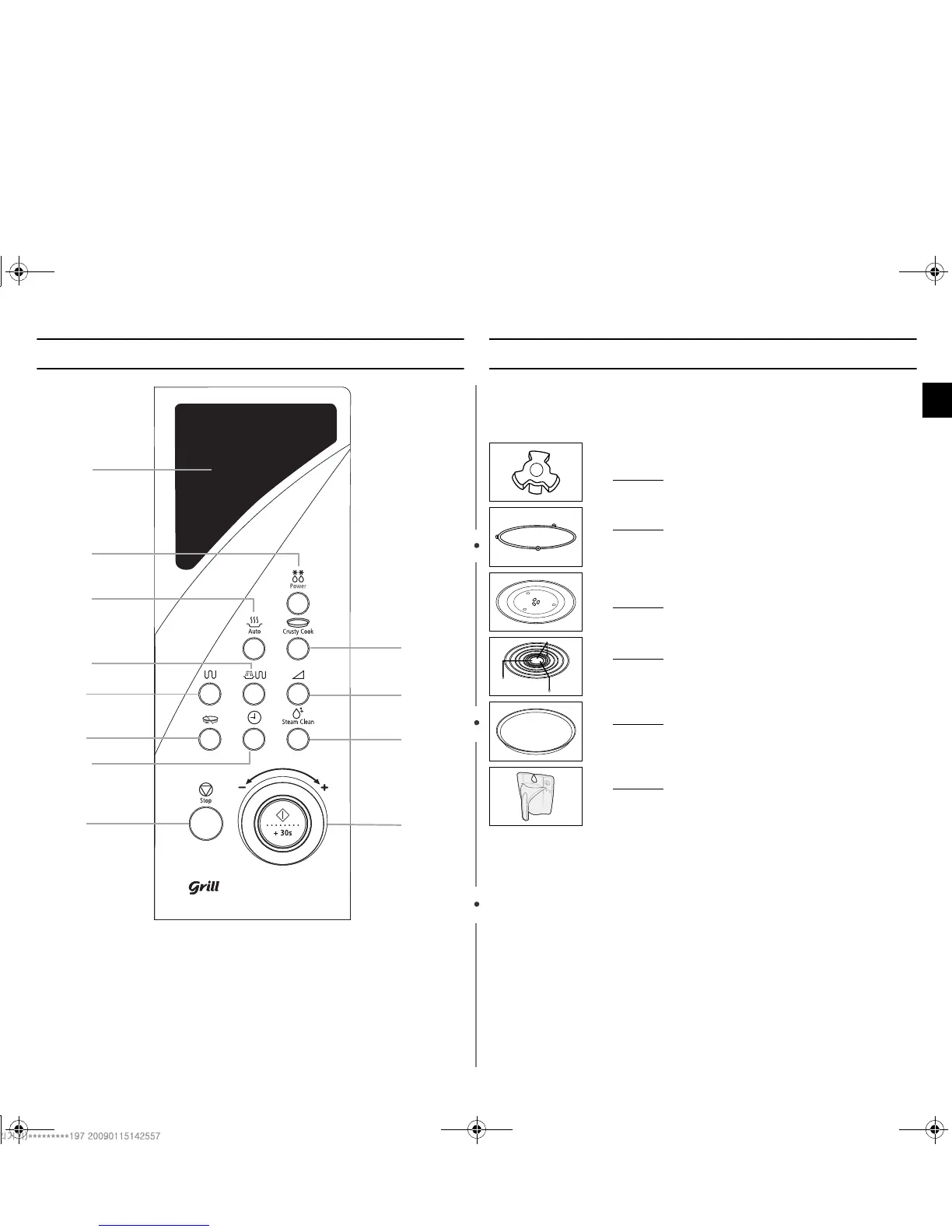
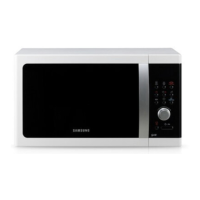
1. DISPLAY
2.
AUTO POWER DEFROST
BUTTON
3.
AUTO REHEAT SELECTION
4.
COMBI MODE SELECTION
5.
GRILL MODE SELECTION
6.
TURNTABLE ON/OFF BUTTON
7.
CLOCK SETTING
8.
STOP/CANCEL BUTTON
9.
AUTO CRUSTY COOK SELECTION
10.
MICROWAVE/ POWER LEVEL
MODE SELECTION
11.
STEAM CLEAN BUTTON
12.
START BUTTON/ DIAL KNOB (cook
time, weight and serving size)
1
3
5
2
10
9
12
11
4
6
8
7
1. Coupler, already placed over the motor shaft in the base
of the oven.
Purpose :
The coupler rotates the turntable.
2. Roller ring
, to be placed in the centre of the oven.
Purpose : The roller ring supports the turntable.
3. Turntable
, to be placed on the roller ring with the centre
fitting to the coupler.
Purpose : The turntable serves as the main cooking
surface; it can be easily removed for cleaning.
4. Metal rack
, to be placed on the turntable.
Purpose : The metal rack can be used in grill and
combination cooking.
5. Crusty plate
, see page 11 to 12.
Purpose : The crusty plate when using auto crusty cook
function or manual crusty cook function.
6. Clean Water Bowl
, see page 8.
Purpose : The water bowl can be used to clean.
nlY_WohjTWZZ^^mTWXluUGGwGZGG{SGqGX\SGYWW`GGYaY\Gwt


 To Next Page