Need help?
Do you have a question about the Samsung GEAR S3 CLASSIC and is the answer not in the manual?
Instructions on powering the device on/off and connecting to a smartphone.
Instructions on initiating outgoing calls using keypad, contacts, or call log.
How the Gear monitors and records daily activities for health.
Measuring and recording heart rate, with warnings about sensor lights.
Using the Gear to make payments via Samsung Pay.
Managing Bluetooth, Wi-Fi, and NFC connections.
 General
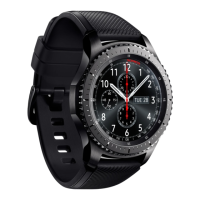
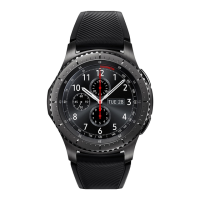
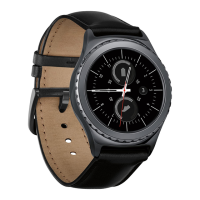
| Shape | Round |
|---|---|
| Band color | Black |
| Watch case size | 46 mm |
| Watch case color | Silver |
| Market positioning | Smartwatch |
| Protection features | Dust resistant, Waterproof |
| Watch case material | - |
| International Protection (IP) code | IP68 |
| Display type | Digital |
| Pixel density | 278 ppi |
| Display diagonal | 1.3 \ |
| Display resolution | 360 x 360 pixels |
| Display technology | OLED |
| Built-in camera | No |
| Processor cores | 2 |
| Processor frequency | 1000 MHz |




 To Next Page