5
English
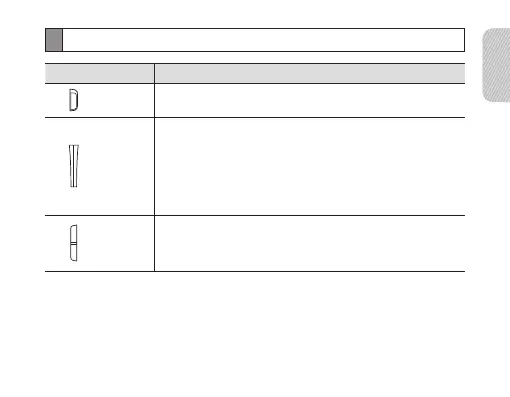
Button functions
Button Function
Power
switch
Slide up or down to turn the headset on or off.•
Talk
Press and hold for 3 seconds to enter Pairing mode.•
Press to answer or end a call.•
Press and hold to reject an incoming call.•
Press and hold to place a call on hold.•
Press and hold to switch between calls.•
Volume
Press to adjust the volume.•
Press and hold to turn the microphone on or off during •
a call.



 To Next Page