16
Connecting with two Bluetooth phones
With the Multi-point feature activated, your headset can be connected to 2 Bluetooth
phones at the same time.
To turn Multi-point feature on
In Pairing mode, press and hold the
Volume up button. The blue indicator
light flashes twice.
To turn Multi-point feature off
In Pairing mode, press and hold the
Volume down button. The red indicator
light flashes twice.
1 After connecting with the first Bluetooth phone, enter Pairing mode again.
2 Activate the Bluetooth feature on the second Bluetooth phone and search
for the headset (see your phone’s user manual).
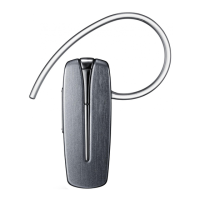
3 Select the headset (HM6000) from the list of devices found by the second
Bluetooth phone.
4 If requested, enter the Bluetooth PIN 0000 (4 zeros) to connect the headset
to the second Bluetooth phone.
5 Reconnect to the headset from the first Bluetooth phone.
Some phones may not be able to connect as a second Bluetooth phone.



 To Next Page