English - 1
Symbol
N O T
Note One-Touch Button TOOLS Button Press
❑
SETTING UP YOUR TV
Viewing the Control Panel ................................................................. 2
Accessories ....................................................................................... 3
Viewing the Connection Panel ........................................................... 4
Viewing the Remote Control .............................................................. 6
Installing Batteries in the Remote Control ......................................... 7
OPERATION
Viewing the menus ............................................................................ 7
Placing Your Television in Standby Mode .......................................... 8
Plug & Play Feature ........................................................................... 8
CHANNEL
Channel Menu ................................................................................... 9
PICTURE
Conguring the Picture Menu ...........................................................11
Viewing Picture-in-Picture................................................................ 14
Using Your TV as a Computer (PC) Display .................................... 15
Setting up the TV with your PC........................................................ 16
SOUND
Conguring the Sound Menu ........................................................... 16
Selecting the Sound Mode .............................................................. 17
SETUP
Conguring the Setup Menu ............................................................ 18
■
■
■
■
■
■
■
■
■
■
■
■
■
■
■
■
INPUT
Input Menu ....................................................................................... 20
RECOMMENDATIONS
Teletext Feature ............................................................................... 21
Installing the Stand .......................................................................... 22
Disconnecting the Stand .................................................................. 23
Anti-Theft Kensington Lock ............................................................. 23
Securing the Installation Space ....................................................... 24
Securing the TV to the Wall ............................................................. 24
Troubleshooting: Before Contacting Service Personnel .................. 25
Specications .................................................................................. 26
■
■
■
■
■
■
■
■
■
CONTENTS

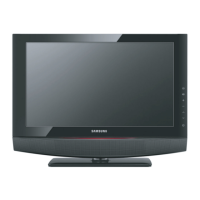

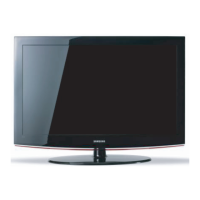
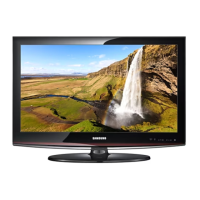
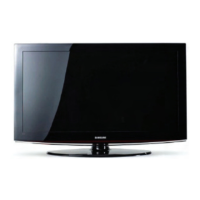
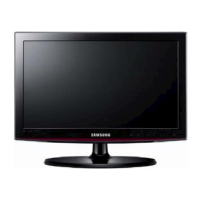
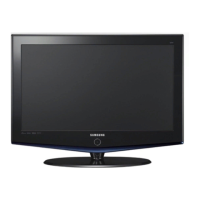
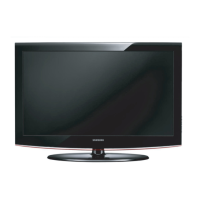
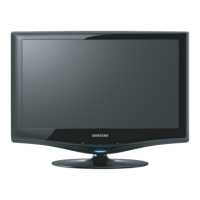

 To Next Page