EasyManua.ls Logo

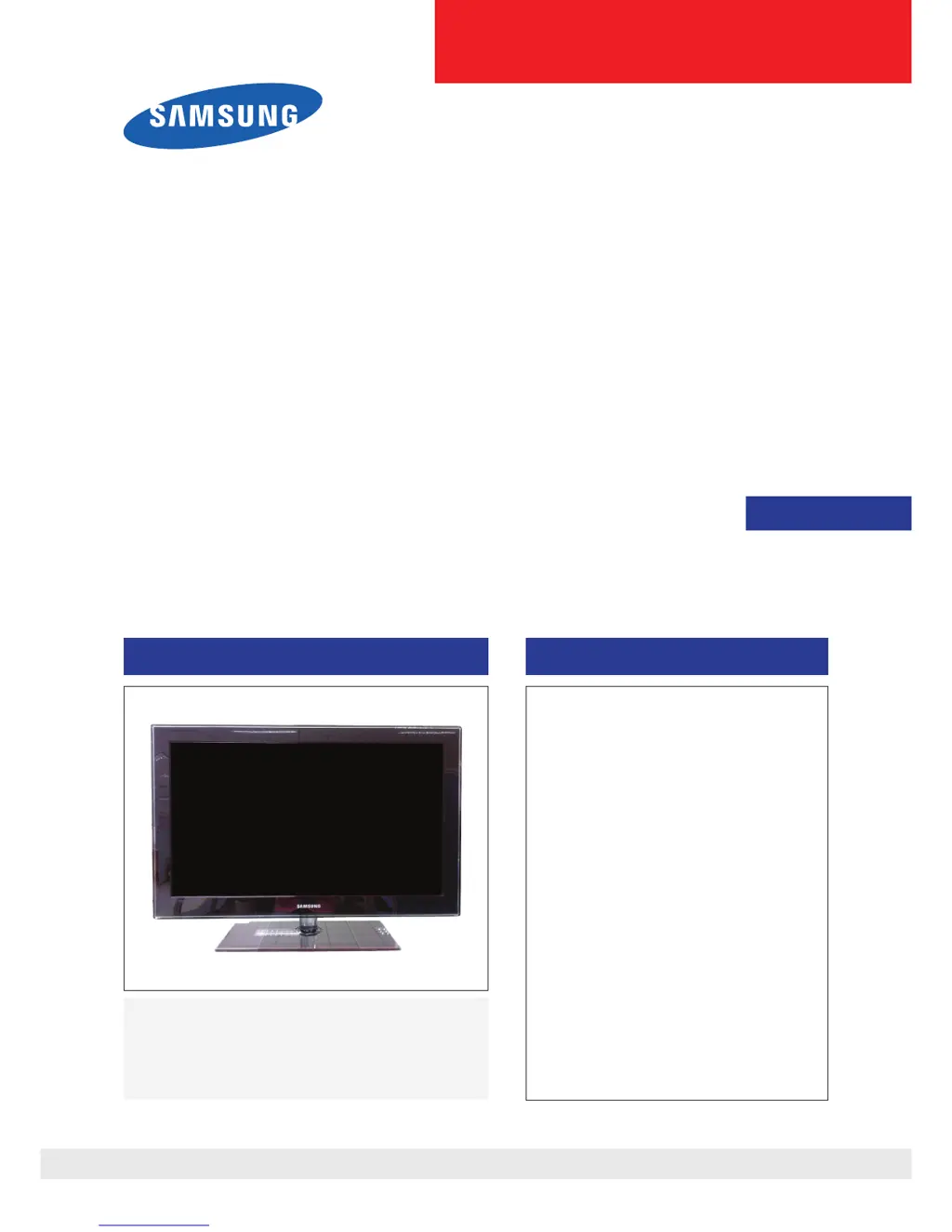
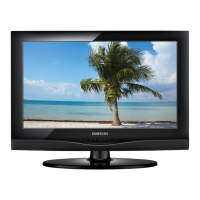
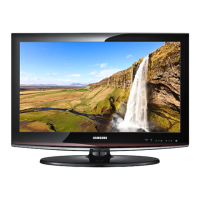
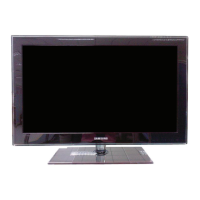
Samsung LA37C530F1R - User Manual

Samsung LA37C530F1R
98 pages
Print Icon
To Next Page IconTo Next Page
Loading...
SERVICE
Manual
TFT-LCD TV Contents
Refer to the service manual in the GSPN (see the rear cover) for the more information.
1. Precautions
2. Product specications
3. Disassembly and Reassembly
4. Troubleshooting
5. Exploded View & Part List
6. Wiring Diagram
LCD-TV
LA32C550J1F/LA37C550J1F
LA40C550J1F/LA46C550J1F
LA32C530F1R/LA37C530F1R
LA40C530F1R/LA46C530F1R
Chassis : N82A
Model : LA32C550J1F
LA37C550J1F
LA40C550J1F
LA46C550J1F
LA32C530F1R
LA37C530F1R
LA40C530F1R
LA46C530F1R

Table of Contents

Questions and Answers

  • J
    johnsonleonardAug 18, 2025
    What to do if my Samsung LA37C530F1R LCD TV has no power?
    • P
      Pamela GarrettAug 18, 2025
      If your Samsung LCD TV isn't turning on, the issue might be due to improperly connected cables or a malfunctioning Main Board or SMPS. Start by checking the internal cable connections inside the unit. Also check the fuses of each part and the output voltage of SMPS. If those steps don't resolve the issue, the Main Board may need to be replaced.
  • K
    Kelsey FieldsAug 21, 2025
    What to do if my Samsung LA37C530F1R has no video via HDMI?
    • L
      Levi PaulAug 21, 2025
      If your Samsung LCD TV shows no video when using an HDMI connection, it might be due to a disconnected LVDS cable between the Main Board and the Panel. Verify the HDMI source. If the problem persists, the Main Assy may need to be changed.
  • K
    Kevin RobersonAug 23, 2025
    Why does my Samsung LCD TV have no power?
    • L
      Lynn DavisAug 23, 2025
      If your Samsung LCD TV has no power, check the internal cable connection status inside the unit. Also, check the fuses of each part and the output voltage of SMPS. If these steps don't resolve the issue, consider replacing the Main Board.
  • R
    Robin BrownAug 26, 2025
    What to do if my Samsung LA37C530F1R LCD TV has no video (HDMI - Digital Signal)?
    • S
      Sara RobertsAug 26, 2025
      If your Samsung LCD TV shows no video via HDMI, first check the HDMI source and the connection of the HDMI cable. Then check the IC1102(SX1) and the HDMI switch. If the problem persists, consider replacing the main PCB assembly.
  • M
    munozandreAug 27, 2025
    What to do if my Samsung LA37C530F1R has no video (Analog PC signal)?
    • A
      Angela RichmondAug 27, 2025
      If your Samsung LCD TV displays no video from an analog PC signal, check the PC source. Also, check the IC1102(SX1) and the LVDS cable. Try changing the PC cable. If none of these steps work, consider replacing the main PCB assembly.
  • M
    molinachristinaAug 29, 2025
    How to fix no video (Tuner_CVBS) on Samsung LA37C530F1R?
    • P
      Phillip WeissAug 30, 2025
      To fix a 'No Video (Tuner_CVBS)' issue on your Samsung LCD TV, first connect the RF cable and check the RF signal. You may also need to check the LVDS cable. If the issue persists, consider replacing the main PCB assembly or the LCD panel.
  • A
    Alexis SotoSep 1, 2025
    Why is there no sound on my Samsung LA37C530F1R LCD TV?
    • W
      walkerkevinSep 1, 2025
      If you're not getting any sound from your Samsung LCD TV, it could be due to disconnected or damaged speaker connectors, or a problem with the sound processing part of the Main Board. First, check the source and the connection of the sound cable. Also, check the sound data appearance. If these steps don't help, the Main Assy may need to be changed.
  • X
    xquinnSep 3, 2025
    What to do if my Samsung LA37C530F1R LCD TV has no video via Tuner DTV?
    • E
      Eric Torres DVMSep 3, 2025
      If your Samsung LCD TV displays no video when using the DTV tuner, it could be caused by a disconnected LVDS cable connecting the Main Board and the Panel. Check the DTV source. Also, check the connection of the RF cable and the LVDS cable.
  • F
    fmclaughlinSep 5, 2025
    What to do if my Samsung LA37C530F1R LCD TV has no video via Analog PC signal?
    • R
      Richard SandersSep 5, 2025
      If your Samsung LCD TV isn't showing video from an analog PC signal, the LVDS cable connecting the Main Board and the Panel might be disconnected. Check the PC source and the connection of D-SUB. If the issue continues, change the Main Assy.
  • C
    cheryl68Sep 8, 2025
    What to do if my Samsung LCD TV has no video via Tuner_CVBS?
    • R
      Robert SmithSep 8, 2025
      If your Samsung LCD TV shows no video when using the Tuner CVBS, it could be due to a disconnected LVDS cable connecting the Main Board and the Panel. Check the Tuner CVBS source. If the problem persists, change the Main Assy.

Summary

Precautions

Safety Precautions

Essential safety, servicing, and ESD precautions to prevent damage and hazards.

Servicing Precautions

Guidelines for safe and correct servicing procedures, including warnings and cautions.

ESD Precautions

Procedures to prevent damage to sensitive electronic components from static electricity.

Installation Precautions

Important safety measures for installing the product to prevent hazards.

Product Specifications

Feature & Specifications

Comprehensive list of features and technical specifications for the LCD TV.

New Features Explanation

Explanation of new or notable features, such as Anynet+ system.

Specification Comparison

Comparison of product specifications with previous models for reference.

Accessories

List of accessories included with the product, like remote, cables, and manuals.

Disassembly and Reassembly

Disassembly and Reassembly (LC550)

Step-by-step guide for disassembling and reassembling the LC550 model.

Disassembly and Reassembly (LC530)

Step-by-step guide for disassembling and reassembling the LC530 model.

Exploded View & Part List

LA32 C550 J1 F Exploded View

Exploded view diagram showing the assembly of the LA32C550J1F model.

LA32 C550 J1 F Parts List

Detailed list of parts for the LA32C550J1F model with code numbers.

Troubleshooting

Troubleshooting Overview

General troubleshooting steps, diagnostics, and common issues like no power, no video, no sound.

No Power Troubleshooting

Detailed steps to diagnose and resolve power-related issues in the LCD TV.

Video Issues Troubleshooting

Troubleshooting guides for no video across various inputs like PC, HDMI, Tuner, and Component.

No Sound Troubleshooting

Procedures to diagnose and fix audio problems when video is present.

Alignments and Adjustments

General alignment instructions and factory mode adjustments for TV settings.

Factory Mode Adjustments

Detailed guide on entering and using the factory service mode for various settings.

White Balance Calibration

Procedures for calibrating white balance and adjusting white ratio for accurate color.

Servicing Information

Information on servicing, including firmware upgrades via USB download method.

Upgrade Sub Micom

Step-by-step guide for upgrading the sub-micom using DDC Manager software.

Mechanical Diagram

Diagrams and specifications for the TV's mechanical dimensions and weight.

PCB Diagram

Layout diagrams for the main Printed Circuit Boards (PCBs) of the TV.

Wiring Diagram

Wiring Diagram

Block diagram illustrating the internal wiring connections between major components.

Connector

Pin assignments and descriptions for various connectors on the TV.

Connector Functions

Explains the function of specific connectors and their purpose.

Cables

Identification and specifications of various cables used in the TV assembly.

Samsung LA37C530F1R Specifications

General IconGeneral
Screen Size37 inches
Resolution1920 x 1080
Display TypeLCD
HDMI Ports3
USB Ports1
BacklightCCFL
Aspect Ratio16:9
Power Consumption120 W
Viewing Angle178°

Related product manuals