English - 4
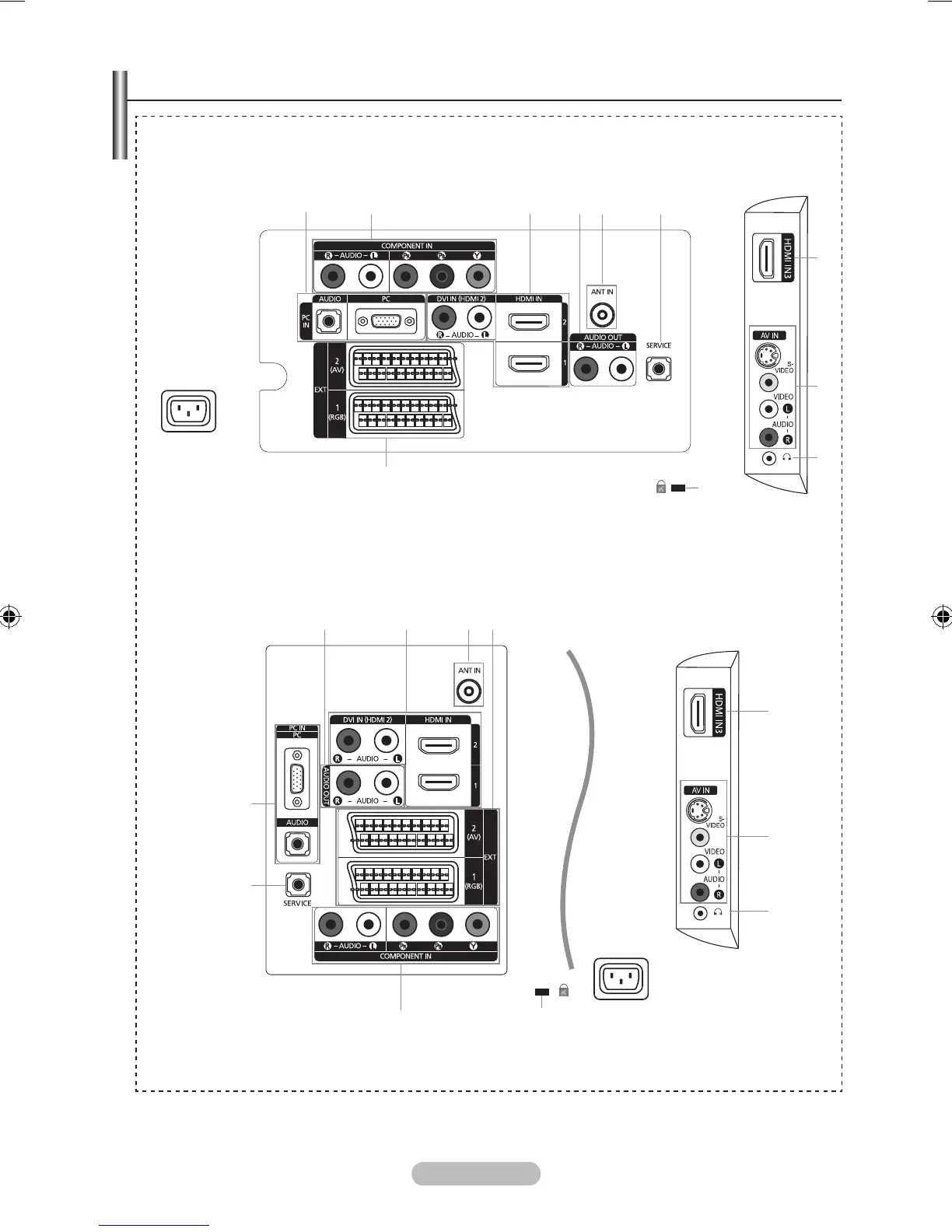
Viewing the Connection Panel
Whenever you connect an external device to your TV, make sure that power on the unit is turned off.
When connecting an external device, match the colour of the connection terminal to the cable.
➣
➣
The product colour and shape may vary depending on the model.
➣
4 3 5 0
3
7
8
6
1
9
2
Power Input
[TV Rear Panel]
[TV Side Panel]
7
8
2 3 54 61
0
9
3
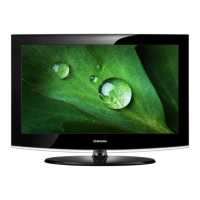
LE26A450, LE26A451, LE32A450, LE32A451, LE32A454, LE37A450, LE37A451
LE40A450, LE40A451, LE40A454
[TV Rear Panel]
[TV Side Panel]
Power Input







 To Next Page