English - 6
7 S-VIDEO or VIDEO / R-AUDIO-L
Connect RCA or S-VIDEO cable to an appropriate external A/V device such as VCR, DVD or
Camcorder.
Connect RCA audio cables to [R-AUDIO-L] on your set and the other ends to corresponding audio
out connectors on the A/V device.
8 Headphones jack
Headphone may be connected to the headphone output on your set. While the head phone is
connected, the sound from the built-in speakers will be disabled.
9 Kensington Lock (depending on the model)
The Kensington Lock (optional) is a device used to physically x the system when used in a public
place.
If you want to use a locking device, contact the dealer where you purchased the TV.
The location of the Kensington Lock may be different depending on its model.
0
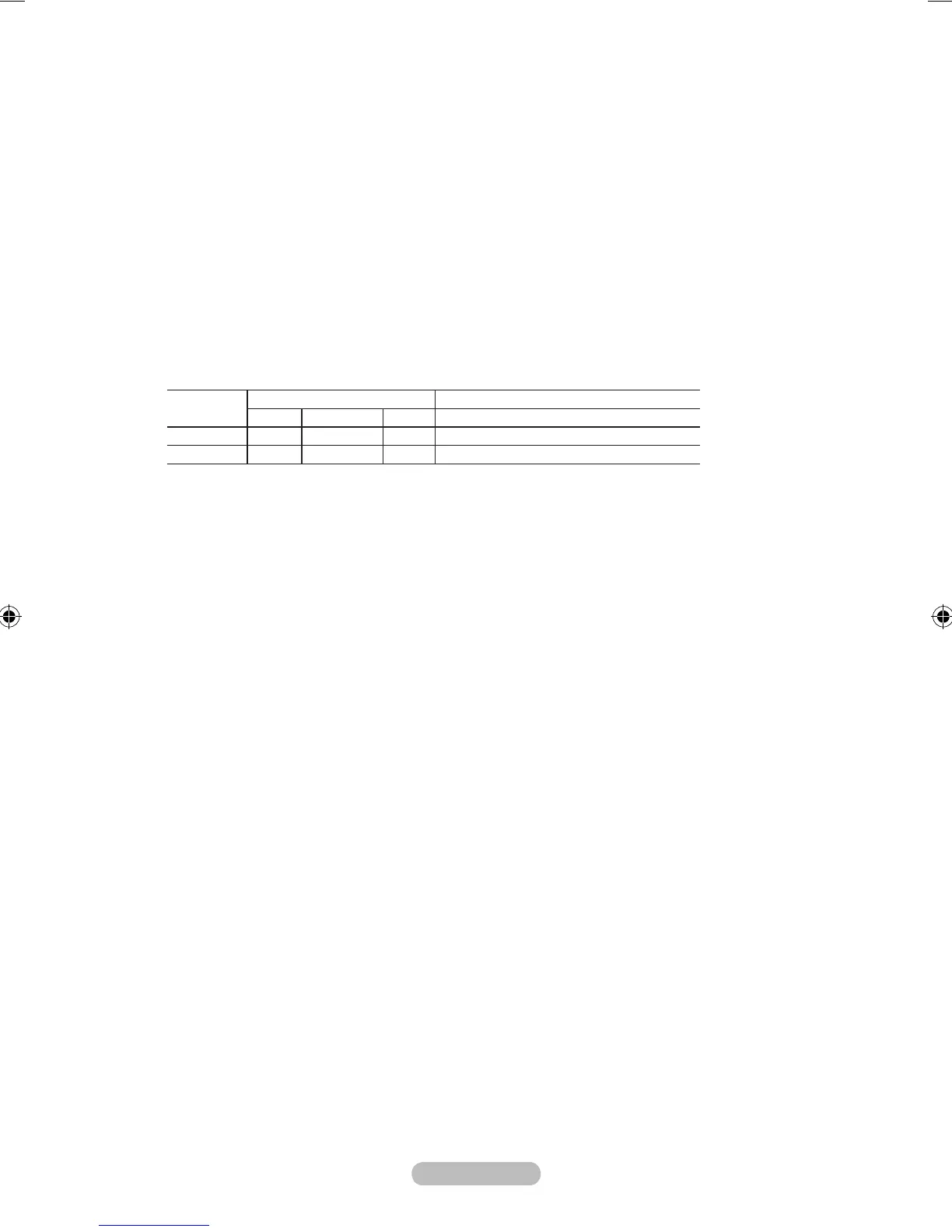
EXT 1, EXT 2
Connector
Input Output
Video Audio (L/R) RGB Video + Audio (L/R)
EXT 1
O O O
Only TV output is available.
EXT 2
O O
Output you can choose.
-Inputs or outputs for external devices, such as VCR, DVD, video game device or video disc players.
-
-
-
-
-
-








 To Next Page