Connecting the headset
12
Connecting mobile devices via Bluetooth
You can receive incoming calls or listen to multimedia files with your headset when it is
connected to a mobile device.
•
When you turn on the headset for the first time, it will enter Bluetooth pairing mode
automatically.
•
Once connected via Bluetooth, the headset will try to connect to the most recently
paired mobile device automatically when it turns on.
•
If the Bluetooth connection fails or the mobile device cannot locate the headset,
remove the device’s information from the mobile device’s list. Then, try to connect
again.
•
Connection methods may vary depending on the connected mobile device, and
the Bluetooth connection range and sound quality may vary depending on the
connected mobile device’s performance.
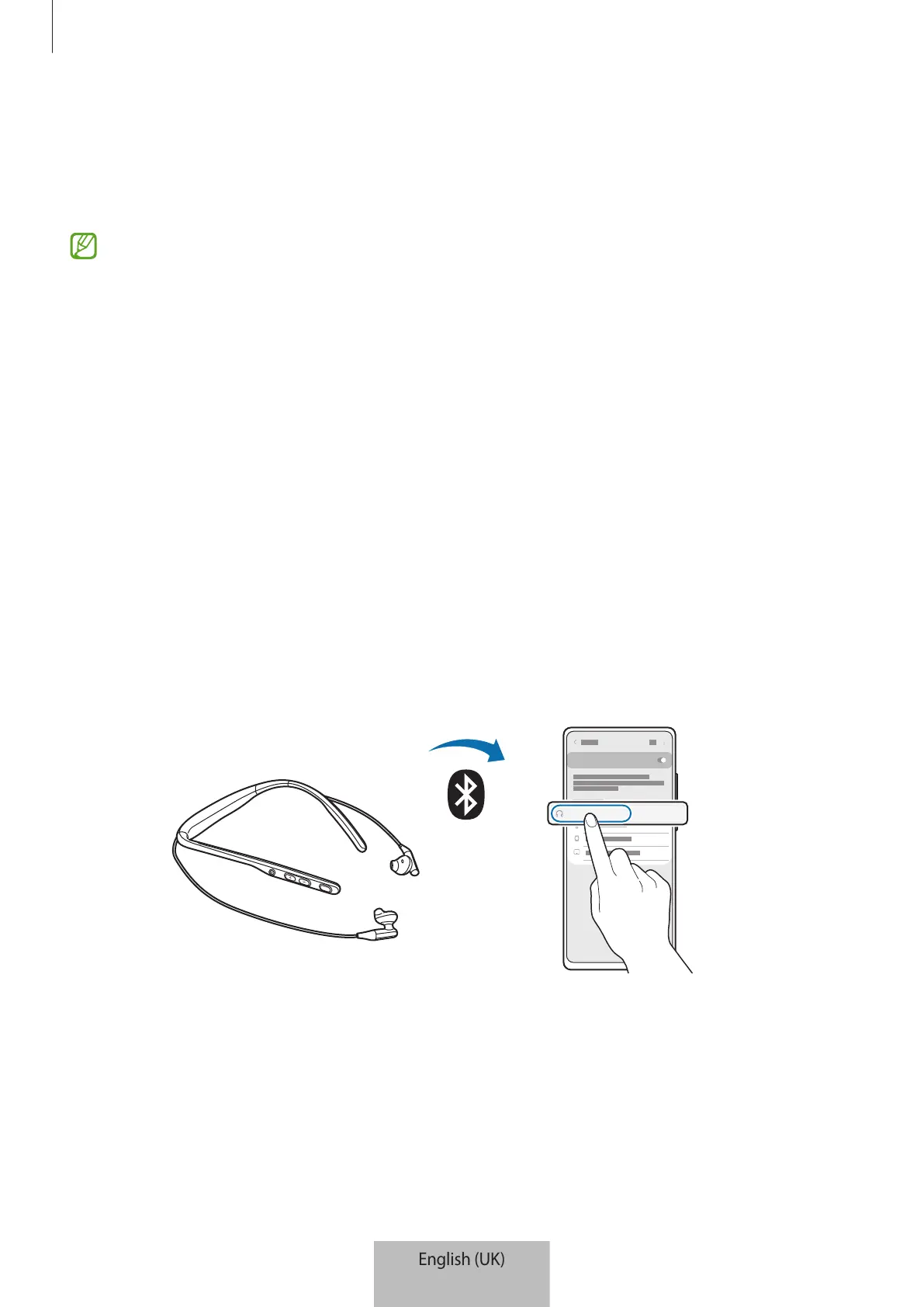
1 Press and hold the Multifunction button to enter Bluetooth pairing mode.
The indicator light will flash red and blue in turn.
2 On your mobile device, activate the Bluetooth feature and select
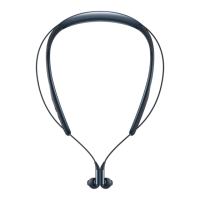
Samsung Level U2
from
the available devices list.
If a connection is established, the indicator light will quickly flash blue three times.


 To Next Page