Basics
5
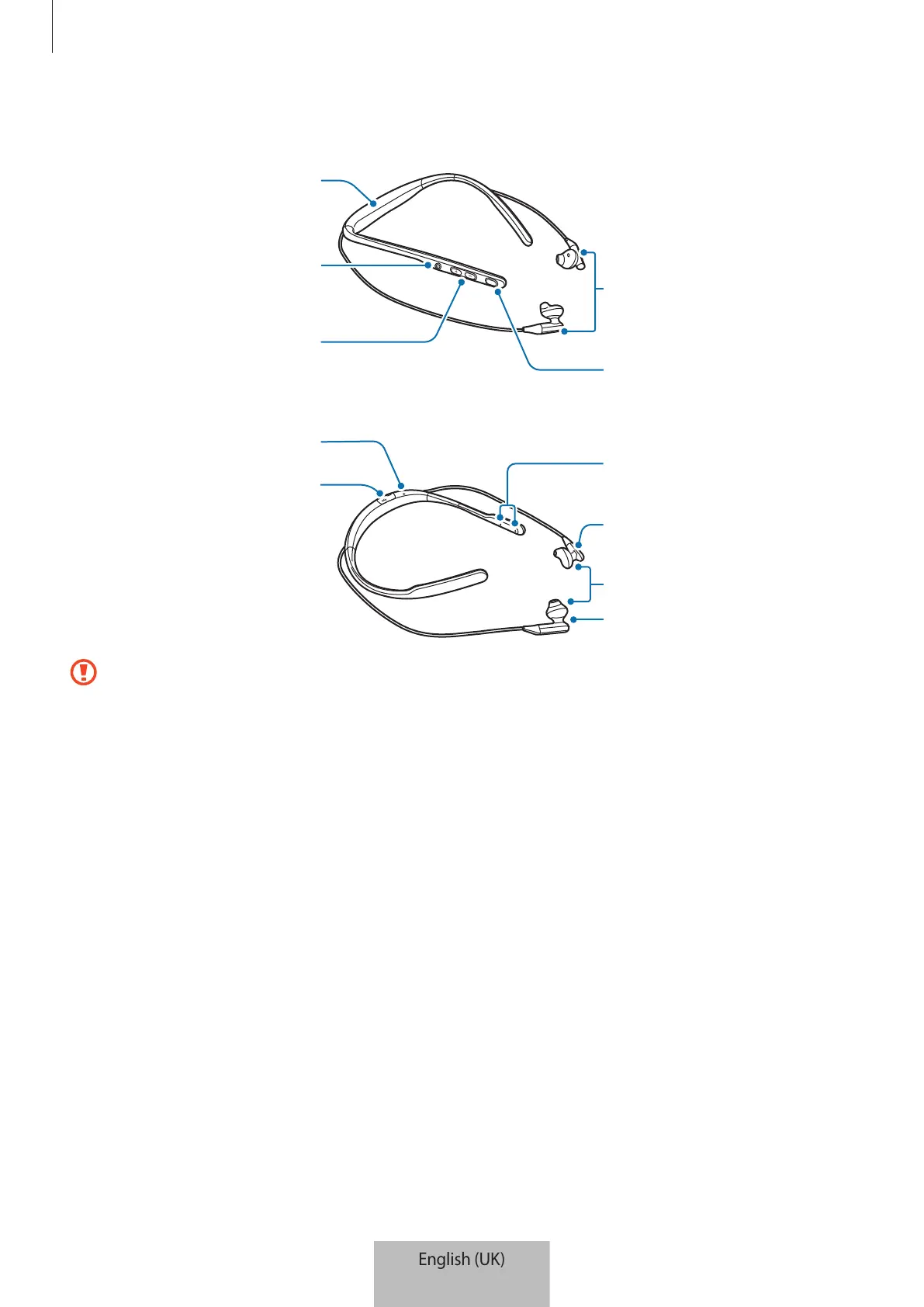
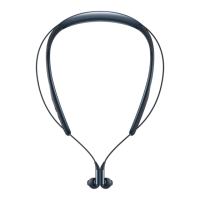
Device layout
area)
Power button
Volume button
Multifunction/Talk
button
Magnet area
Ear tips
Right earphone
Left earphone
Charger port
Microphone
•
If you use the headset when it is broken, there may be a risk of injury. Use the headset
only after it has been repaired at a Samsung Service Centre.
•
If dust or foreign materials enter the microphone or earphones, the headset’s sound
may become quiet or certain features may not work. If you attempt to remove the
dust or foreign materials with a sharp object, the headset may be damaged and its
appearance may be affected.


 To Next Page