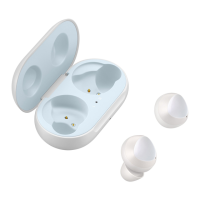
Basics
7
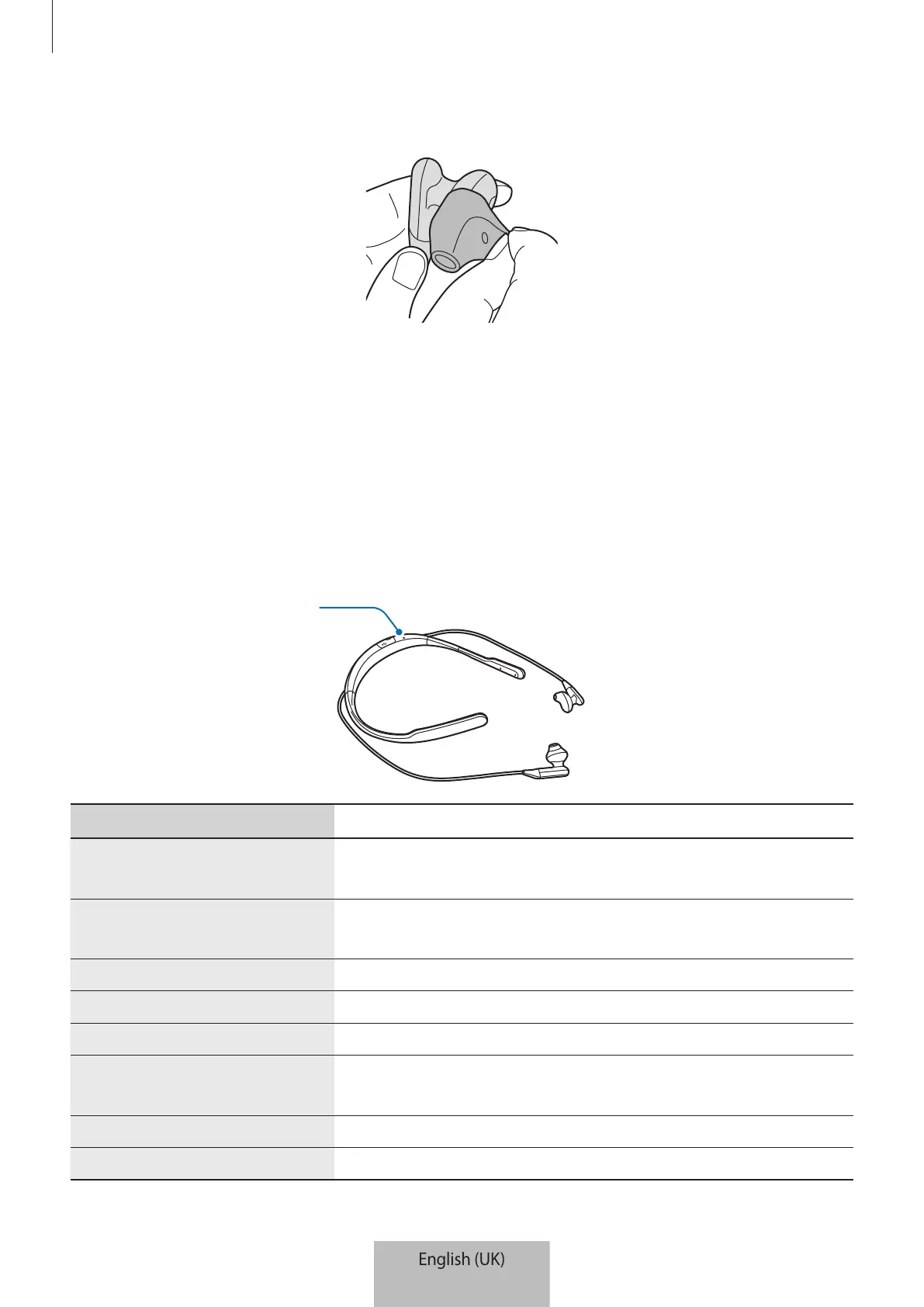
4 Cover the latch at the bottom of the earphone with the ear tip.
5 Hold the partially inserted ear tip in place and cover the rest of the earphone with the ear
tip.
6 Follow the same procedure for the other earphone.
Indicator light
The indicator lights inform you of your headset’s operations and charging status.
Colour Status
Slowly flashes blue three
times
•
Turning on
Slowly flashes red three
times
•
Turning off
Continuously on red
•
Charging
Continuously on blue
•
Fully charged
Flashes red and blue in turn
•
Entering Bluetooth pairing mode
Quickly flashes blue three
times
•
Connected to mobile devices via Bluetooth
Flashes blue
•
Incoming call
Off
•
During use or in sleep mode


 To Next Page