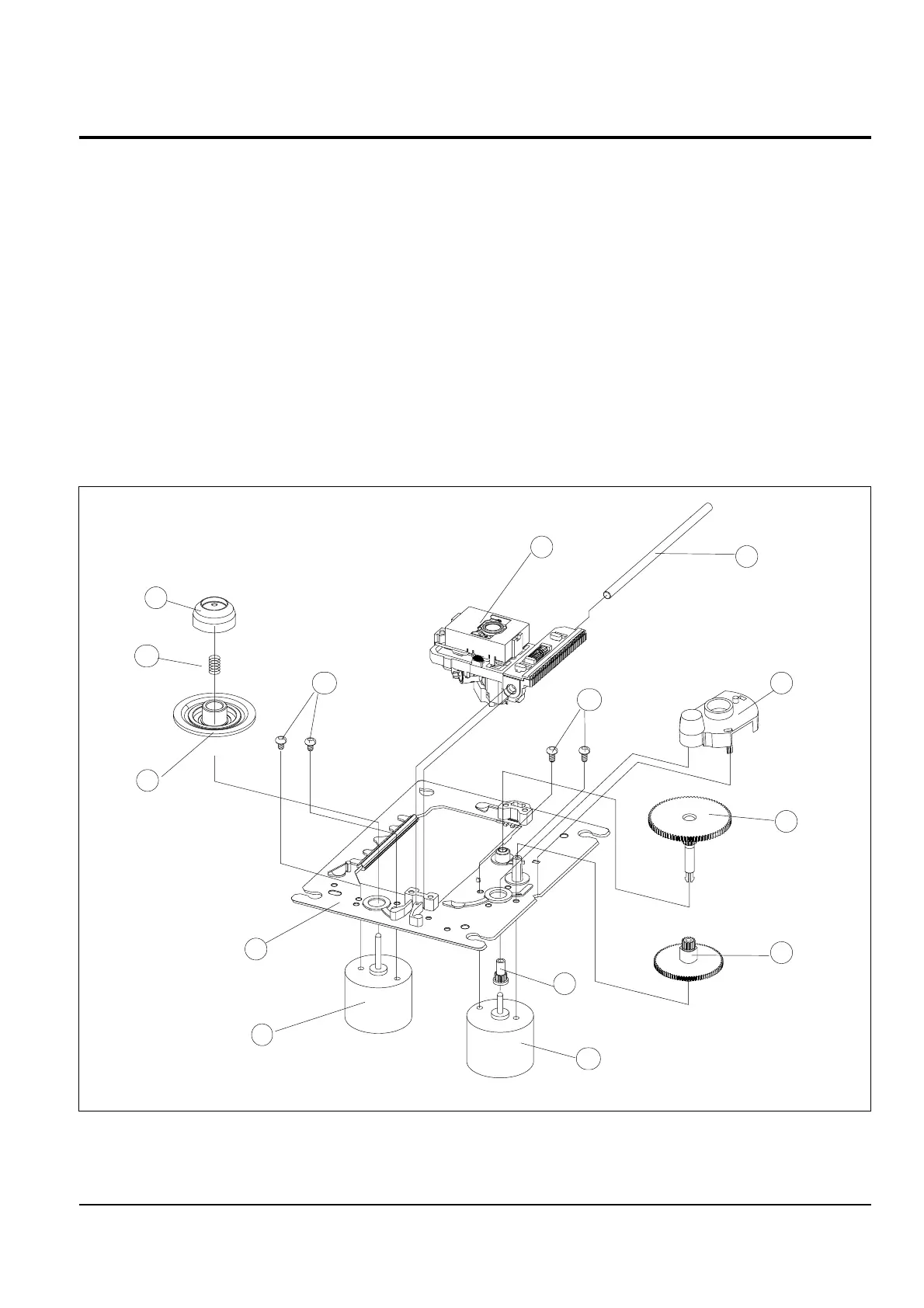
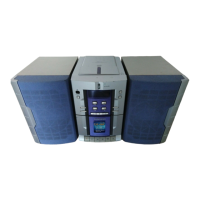
Figure 3-8
Samsung Electronics 3-7
3-6 CD Deck
1. Remove the Shaft !.
2. Lift the P/U @.
Note : Take extreme care not to touch the surface of lens.
If there is an alien materials, clean it with swab smeared alcohol.
3. Lift the Center-ring #.
4. Remove the Spring-T/Table $.
5. Remove the Turn-Table (M) %.
6. Remove 2 screws ^ and then remove the Spindle-Motor &.
7. Remove the Cover-Gear * by pushing the hook.
8. Remove the Gear (c) ( by pushing the hook.
9. Lift the Gear(b) ).
10. Remove the Gear(a) 1.
11. Remove 2 screws 2 and the then remove the Feed-Motor 3.
12. Remove the Chassis-Deck (M) 4.
Disassembly and Reassembly



 To Next Page