100
Chapter 4.
Backup / Restore
Complete Restore
1
– When backing up onto DVD
Turn the computer on and insert the backup DVD into the
DVD drive.
If there are multiple backup DVDs, insert the fi rst DVD.
– When backing up to another drive
Proceed to Step 2.
2
When the Samsung Recovery Solution start screen appears,
click Restore and then click Complete Restore.
3
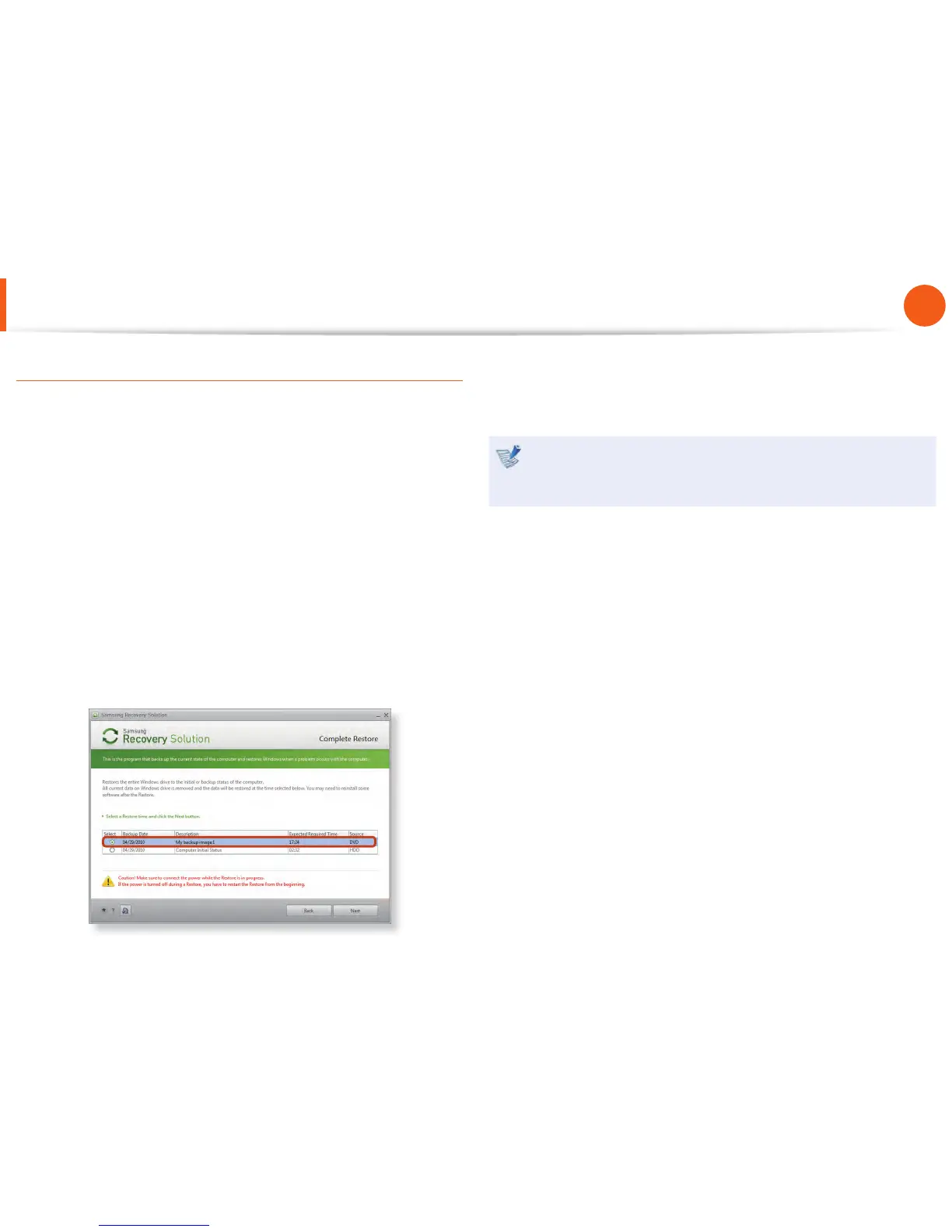
Select a Complete Backup restoration point in the
restoration point selection screen and click the Next button.
The system is restarted.
4
The restoration progress message appears after the computer
boots up in restoration mode. If you click OK, the restoration
begins.
If multiple DVDs have been used for a Complete Backup,
whenever burning a DVD is completed, the “Insert the next
DVD” message will appear.
5
When the ‘Restart the System’ message appears after the
restoration is complete, click OK to restart the system. The
Complete Restore has been completed.
Samsung Recovery Solution
(Optional)



 To Next Page