33
Chapter 1.
Getting Started
►
For Windows XP
1
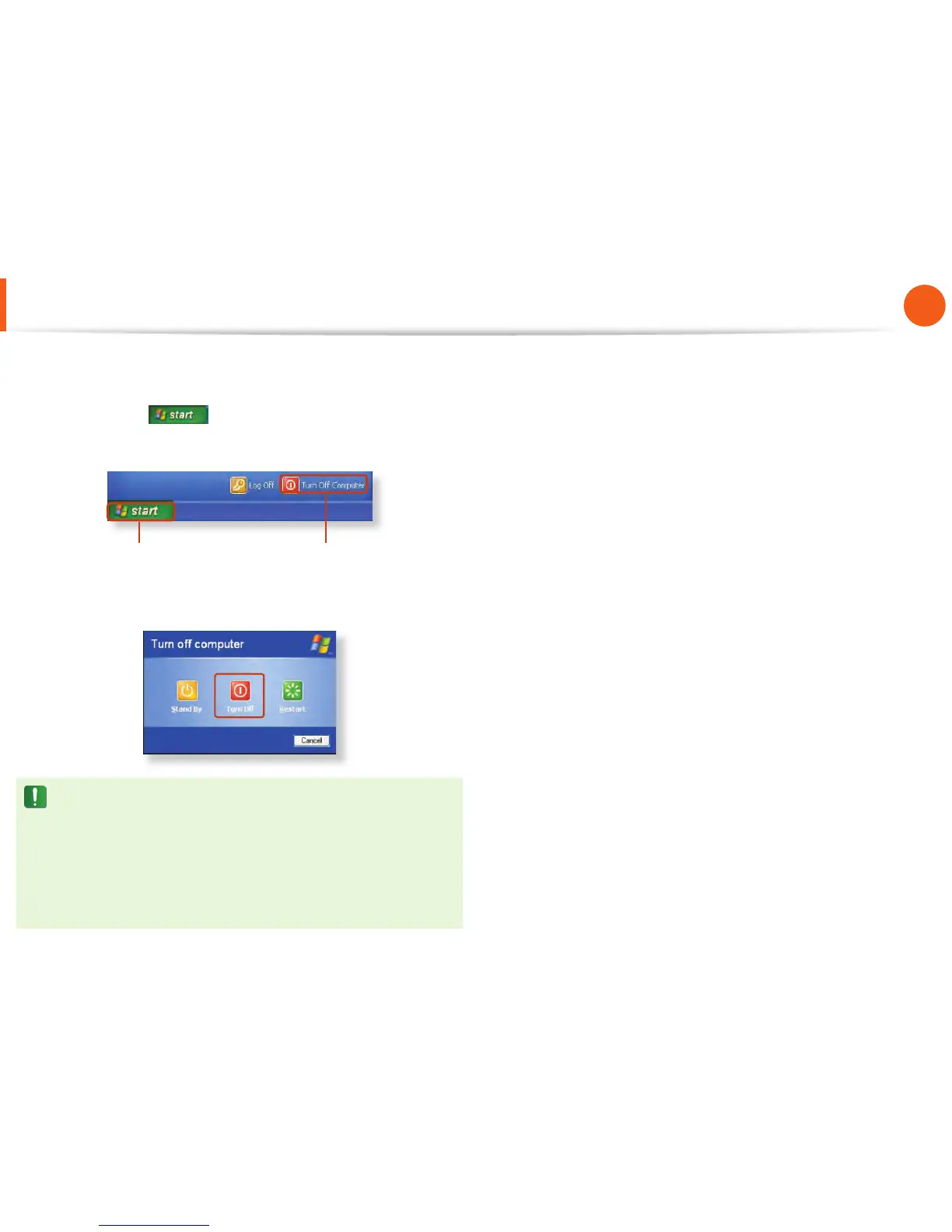
Click the Start button on the taskbar.
Click Turn Off Computer.
1 2
2
Click Turn Off .
If the system cannot be shut down due to a system error,
turn it off by pressing and holding the Power Button for a
minimum of 4 seconds.
Please note that turning the computer off by this method
may cause a system problem. Thereafter, when turning the
computer back on, the disk checking program may launch to
check for and correct any disk errors.
Turning the Computer On and Off



 To Next Page