37
Chapter 2.
Using the computer
Keyboard
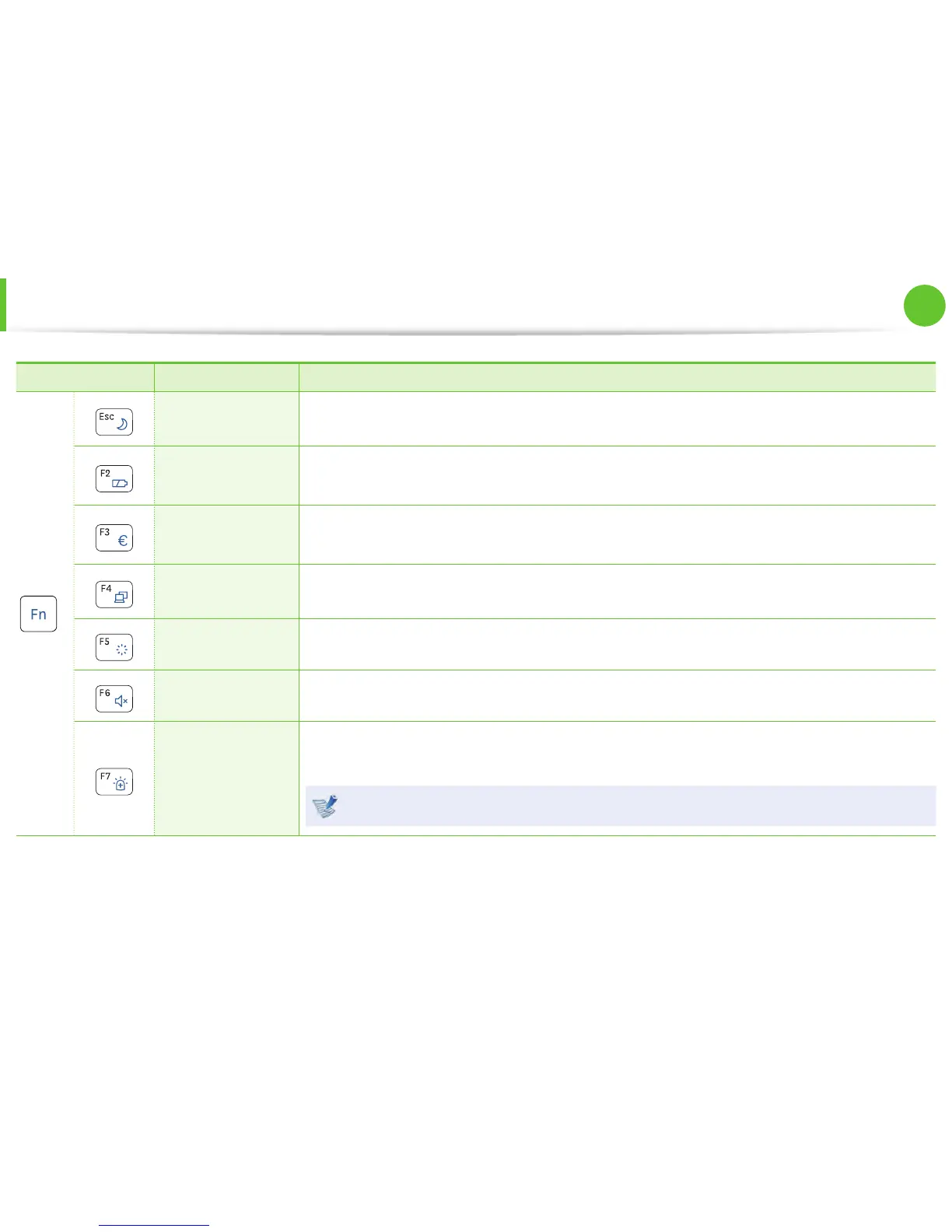
Fn Name Function
+
REST
(Sleep Mode)
Switches to Sleep mode. To wake the computer up, press the Power button.
Gauge
Shows the remaining battery charge.
You can only use this function when the Easy Display Manager program is installed.
Euro
Enters the Euro monetary unit symbol.
This key may not be provided depending on the keyboard type.
CRT/LCD
Switches the screen output to the LCD or external monitor when an external monitor (or TV) is
connected to the computer.
Backlight Turns the LCD backlight on or off .
Mute Mutes or cancels mute.
Samsung Support
Center
System diagnosis, recovery and Internet consultation program, Samsung Support Center, will
be launched. (Optional)
For some models, Samsung Magic Doctor is launched.



 To Next Page