The Scroll Function
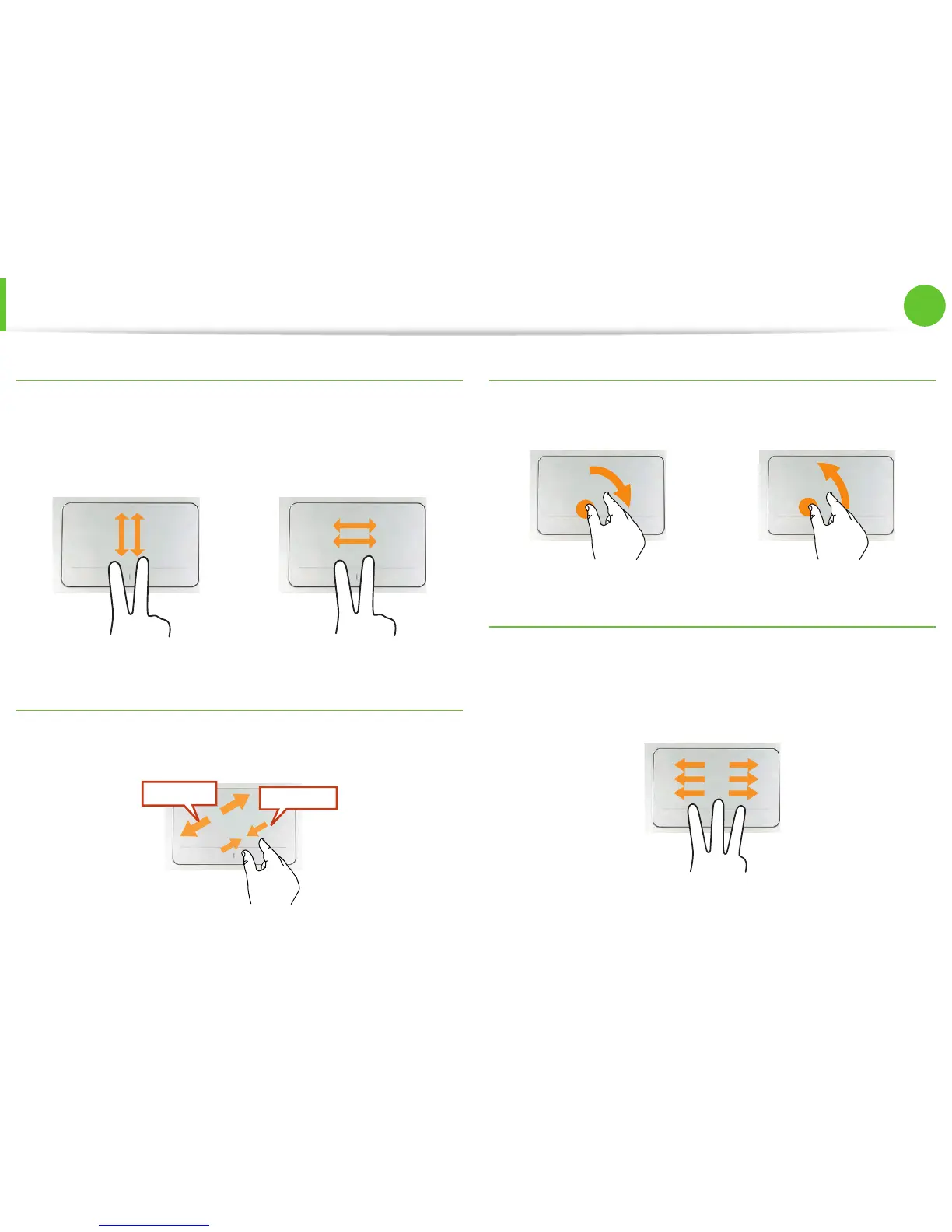
This function is the same as the scroll area of the Touchpad.
If you place two fingers over the Touchpad and move them up,
down, left or right, the screen is scrolled up, down, left or right
accordingly.
or
Zoom Functions
If you place two fingers over the Touchpad together or apart, the
current image or text is zoomed in or out.
Zoom-out
Zoom-in
or
Rotation function
Place two fingers over the touchpad and move the fingers as
follows to rotate the photo or image.
or
Page Move Function
You can move to the previous or next page when you are looking
at a photo or surfing the Internet.
For example, if you lightly brush three fingers to the left while you
are looking at a web site, you will return to the previous page.
Touchpad



 To Next Page