53
Chapter 2.
Using the computer
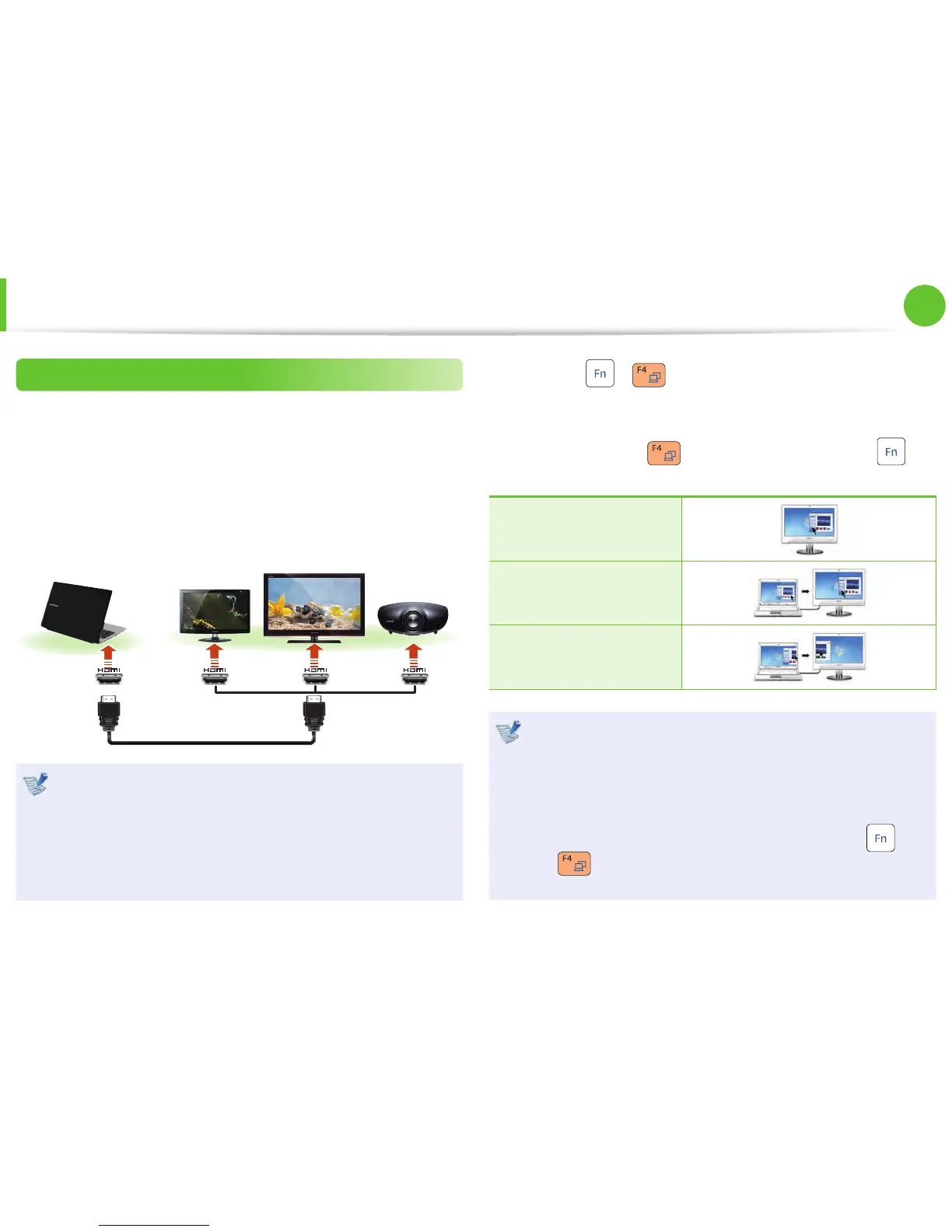
Connecting through the HDMI port (Optional)
By connecting the computer to a TV with a HDMI port, you can
enjoy both a high visual quality and a high sound quality.
After connecting a TV through HDMI, you have to confi gure the
screen and sound.
1
Connect the HDMI cable to the HDMI port of the TV.
External
Monitor
TV
Projector
This is only supported for models that support a TV output •
port (HDMI).
When a TV provides more than one HDMI port, connect •
the computer to the DVI IN port.
When connecting the computer to a TV, switch the •
external input mode of the TV to HDMI.
2
Press the + key combination once. Then the Easy
Display Manager screen appears where you can select a
display device.
Since pressing the
key while holding down the key
changes the selection, select a display device.
HDMI
LCD + HDMI Clone
LCD + HDMI DualView
External Monitor / TV is not supported in the DOS •
Command Prompt window.
Simultaneous output to all 3 (LCD + CRT + HDMI) is not •
supported.
If the screen is not switched even if you press the •
+
key combination, you have to install the Easy
Display Manager program.
Connecting an External Display Device



 To Next Page