EasyManua.ls Logo

Samsung RS277ACBP - User Manual

Samsung RS277ACBP
93 pages
Print Icon
To Next Page IconTo Next Page
Loading...
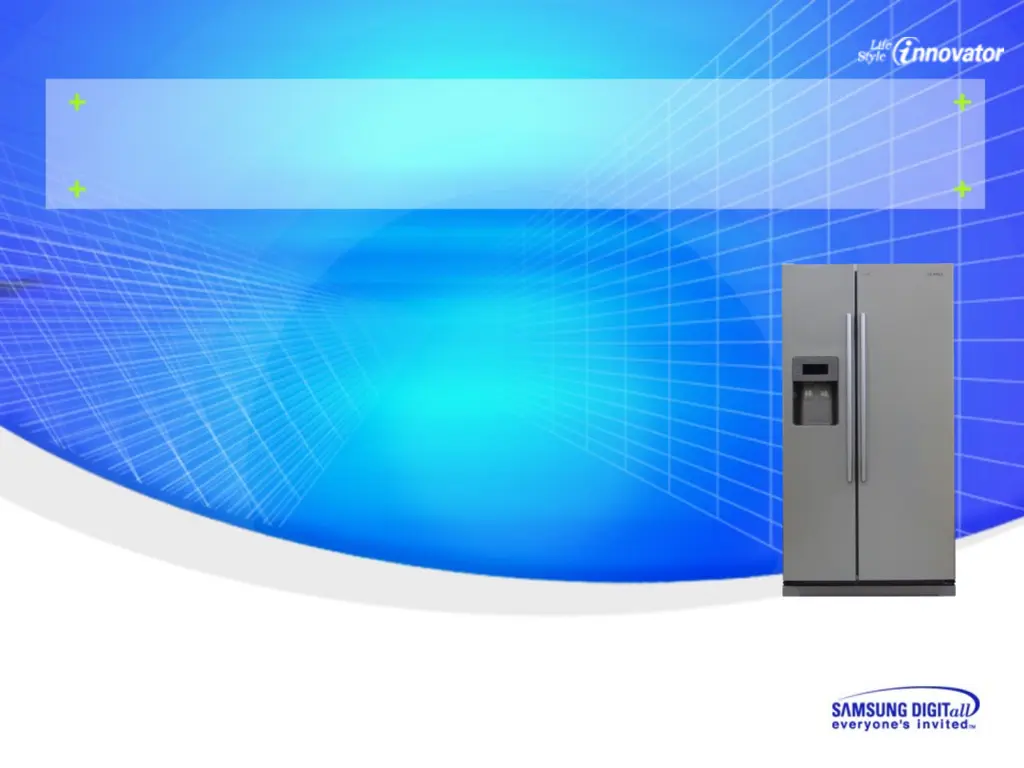
SAMSUNG Side by Side Refrigerator
A-TOP-PJT
New product training for refrigerator
SIDE BY SIDE
BASIC : RS277ACPN
MODEL NAME : RS275ACWP RS277ACWP RS275ACBP
RS277ACBP RS275ACPN RS277ACPN
RS275ACRS RS277ACRS
RS277 RS275
2008. 02

Table of Contents

Other manuals for Samsung RS277ACBP

Questions and Answers

  • K
    kimberly96Aug 13, 2025
    Why is my Samsung Refrigerator not cooling?
    • B
      Brandi FowlerAug 13, 2025
      Your Samsung Refrigerator might not be cooling because the power plug isn't properly connected. Also, check if the temperature control on the display panel is set correctly; try setting it to a lower temperature. Ensure the refrigerator isn't in direct sunlight or near a heat source and that the back of the refrigerator has enough space from the wall.
  • M
    Michael MarshallAug 17, 2025
    Why is my Samsung RS277ACBP Refrigerator not dispensing ice?
    • M
      Michael RobertsonAug 17, 2025
      If your Samsung Refrigerator isn't dispensing ice, first, check if you stopped the ice-making function. Verify if there is ice in the ice storage unit. Ensure the water line is connected and the shut-off valve is open. Check if the freezer temperature is too warm and set the temperature lower if needed. If you recently installed the water supply line, wait 12 hours before making ice.
  • E
    Elizabeth MejiaAug 21, 2025
    Why is food freezing in my Samsung RS277ACBP?
    • D
      Douglas HodgeAug 21, 2025
      Food might be freezing in your Samsung Refrigerator because the temperature control on the display panel is set too low; try setting it to a warmer temperature. Also, consider if the room temperature is too low. Avoid storing food with a high water content in the coldest part of the refrigerator.
  • H
    heathandrewAug 25, 2025
    What to do if no water is supplied to my Samsung RS277ACBP?
    • T
      tanyawalkerAug 25, 2025
      If your Samsung Refrigerator isn't supplying water, check that the water line is connected and the shut-off valve is open. Also, inspect the water supply line to ensure it isn't crushed. Finally, see if the water tank is frozen because the refrigerator temperature is too low; if so, select a warmer setting on the display panel.
  • N
    Natalie ParkerAug 28, 2025
    How to get rid of bad smell in Samsung RS277ACBP Refrigerator?
    • B
      Brian BrownAug 28, 2025
      To eliminate a bad smell in your Samsung Refrigerator, wrap strong-smelling foods so that they are airtight. Additionally, throw away any rotten food that may be causing the odor.
  • J
    johnsonjeffreySep 1, 2025
    Why does my Samsung RS277ACBP Refrigerator make unusual noises?
    • A
      Amanda SawyerSep 1, 2025
      Unusual noises from your Samsung Refrigerator can occur for several reasons. First, ensure the floor is level and stable. Check if the back of the refrigerator is too close to the wall. Also, see if anything has dropped behind or under the refrigerator. A “ticking” sound may be heard from inside the refrigerator, this is normal because various accessories are contracted or expanded.
  • N
    natalie76Sep 5, 2025
    What to do if frost forms on the walls of my Samsung RS277ACBP freezer?
    • K
      Kimberly GarciaSep 5, 2025
      If frost is forming on the walls of your Samsung Refrigerator freezer, check if the air vent is blocked. Ensure sufficient space between the stored foods for efficient air circulation. Also, make sure the door is closed properly.
  • M
    Marissa LambertSep 9, 2025
    Why are the front corners of my Samsung RS277ACBP hot and condensation occurs?
    • I
      iburkeSep 9, 2025
      The front corners of your Samsung Refrigerator may be hot because anti-condensators are installed there to prevent condensation. Condensation can also occur if you leave the door open for an extended period.

Summary

Product Information

New feature

Details new features and improvements in the refrigerator models.

Comparison of functionality vs competitor

Compares refrigerator functionality against competitor models.

Parts Name

Identifies and labels various parts of the refrigerator.

Product feature

Highlights key functional features of the refrigerator.

Model Specification & Specification Chart

Provides detailed specifications and a comparative chart for models.

Electric Parts Specification

Lists specifications for the electrical components of the refrigerator.

Dimensions of Refrigerator (inches)

Presents the physical dimensions of the refrigerator in inches.

Optional Material Specification

Details specifications for optional materials and parts.

Cool cycle

Explains the refrigeration cycle and refrigerant flow.

Cooling Air Circulation

Illustrates how cooling air circulates within the refrigerator.

Digital panel

Describes the functions and operation of the digital control panel.

Product function

Temperature Control Operation

Explains how to operate and control refrigerator and freezer temperatures.

Ice Dispenser and Water Dispenser

Details the operation of the ice and water dispensing functions.

C-Fan Motor Delay Function of the Machine Compartment

Describes the delay function of the condenser fan motor based on ambient temperature.

COOLSELECT ZONE FUNCTION

Explains the functionality and usage of the CoolSelect Zone feature.

WATER FILTER INDICATOR FUNCTION

Details the water filter indicator and its reset functions.

Ice-Maker Function

Covers the parts, preparation, and operation of the ice maker.

Defrosting Function

Explains the defrosting cycle determination and heater on-time.

Troubleshooting and major adjustment

Troubleshooting

Provides diagnostic flowcharts for common refrigerator issues.

If power is not ON

Troubleshooting steps for when the refrigerator has no power.

If the compressor and cooling fan motor dont work normally

Diagnostic steps for compressor and fan motor malfunctions.

If defrost function dont work normally

Troubleshooting guide for defrosting system failures.

If there is a trouble with self-diagnosis

Procedures for diagnosing issues using the self-diagnosis feature.

If alarm sound

Explains causes and solutions for alarm sounds.

If the panel PCB is not working normally

Troubleshooting steps for a malfunctioning panel PCB.

If fan doesnt work

Diagnostic process for fan motor failures.

If Cool Select Zone isnt operated normally

Troubleshooting guide for Cool Select Zone operational issues.

If the lamps of freezer; refrigerator fail in lighting

Steps to troubleshoot and fix lighting failures in compartments.

If the ice chute cover solenoid doesnt work

Troubleshooting for the ice chute cover solenoid.

If Crushed Ice;Cubed Ice doesnt work properly

Solutions for problems with crushed and cubed ice dispensing.

Forced Operation Function

Explains modes like pull-down, defrost, and cancellation.

Sound function

Describes the sounds produced by the refrigerator for input and alarms.

Cooling Off Function

Details the Cooling Off mode for display purposes.

Self-Diagnostics Function

Covers initial and normal operation self-diagnostic tests.

Load Operation Check Function

Explains how to perform load operation checks using the control panel.

Set Point Shift Function

Describes the function to adjust temperature set points.

Table of Set Point Shift Function

Provides tables for shifting temperature sensor set points.

Option table

Lists various option settings and their reference values.

Circuit Descriptions

Block diagram

Presents a high-level block diagram of the refrigerator's system.

SCHEMATIC DIAGRAM

Shows the detailed electronic schematic diagram of the refrigerator.

WIRING DIAGRAM

Illustrates the electrical wiring connections throughout the appliance.

PART ARRANGEMENT (Main Board)

Identifies components and their locations on the main circuit board.

CONNECTOR ARRANGEMENT (Main Board)

Details the arrangement and purpose of connectors on the main board.

Source Power Circuit

Explains the SMPS circuit that converts AC to DC power.

Oscillator Circuit

Describes the oscillator circuit for microprocessor clock generation.

Reset Circuit

Explains the reset circuit for initializing the microprocessor.

Door S;W Sensing Circuit

Details how door switches are sensed by the microprocessor.

Temperature Sensing Circuit

Explains the circuit used for sensing temperature via thermistors.

Key Scan and Display Circuit

Covers the circuit responsible for key input scanning and display output.

CoolSelect Zone Panel Circuit

Describes the CoolSelect Zone display panel and its sensor.

Damper drive circuit

Explains the circuit controlling the CoolSelect Zone damper.

Fan Motor (BLDC) Drive Circuit

Details the drive circuit for the BLDC fan motors.

EEPROM Circuit

Explains the function of the EEPROM for data storage.

Option Circuit

Describes how option circuits enable different model functions.

Load Drive Circuit

Explains the circuit for controlling various loads like compressors and heaters.

Load Drive Circuit

Shows the equivalence circuit for the compressor drive section.

Reference Information

Q&A

Provides answers to frequently asked questions about refrigerator operation.

Model name (nomenclature)

Explains the meaning and structure of the model naming convention.

Samsung RS277ACBP Specifications

General IconGeneral
BrandSamsung
ModelRS277ACBP
CategoryRefrigerator
LanguageEnglish

Related product manuals