EasyManua.ls Logo

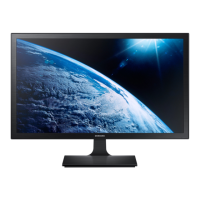
Samsung S19D340HY - User Manual

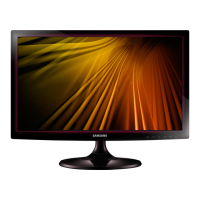
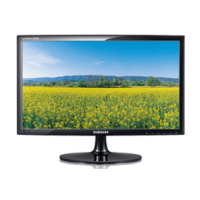
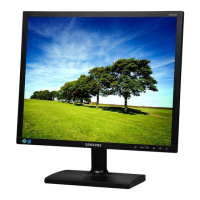
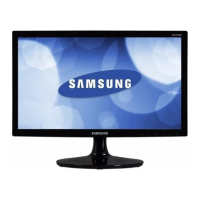
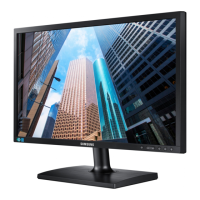
Samsung S19D340HY
116 pages
Print Icon
To Next Page IconTo Next Page
Loading...
User manual
S19D300HY
S19D340HY
S19D300NY
S20D300BY
S20D300H
S20D340H
S20D300HY
S20D340HY
S22D300BY
S22D300HY
S22D340HY
S22D300NY
S24D300BL
S24D300H
S24D340H
S24D300HL
S24D340HL
The color and the appearance may differ depending on
the product, and the specifications are subject to
change without prior notice to improve the performance.
BN46-00382A-03

Table of Contents

Questions and Answers

  • C
    Carol HigginsAug 11, 2025
    Why does my Samsung S19D340HY Monitor screen keep switching on and off?
    • L
      Lynn SmithAug 11, 2025
      If your Samsung Monitor screen keeps switching on and off, especially in PC mode, it might be due to a faulty connection. Check the cable connection between your monitor and PC, making sure the connectors are securely locked.
  • J
    John FinleyAug 22, 2025
    What to do if the screen of my Samsung Monitor remains blank?
    • T
      Tommy BeanAug 22, 2025
      If the screen of your Samsung Monitor remains blank, check the PC system, video controller, and cable.
  • M
    Martin ThompsonAug 31, 2025
    Why does my Samsung S19D340HY say 'Not Optimum Mode'?
    • C
      Caitlin Mccarthy DDSAug 31, 2025
      The 'Not Optimum Mode' message on your Samsung Monitor appears briefly because the mode exceeds the supported resolution.

Samsung S19D340HY Specifications

General IconGeneral
Panel TypeTN
Brightness200 cd/m²
Dynamic Contrast RatioMega ∞ DCR
Response Time5 ms
Aspect Ratio16:9
Input Ports1 x VGA
Screen Size18.5 inches
Resolution1366 x 768
ConnectivityVGA
Viewing Angle90° (H) / 65° (V)
Color Support16.7 million colors
Power Consumption18 W

Related product manuals