EasyManua.ls Logo

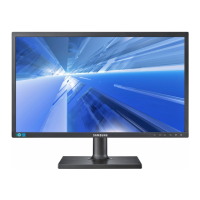
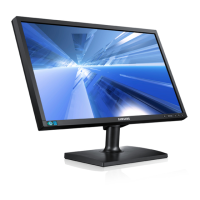
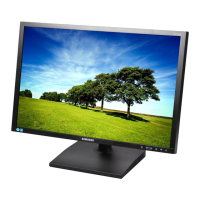
Samsung S24C450DW - User Manual

Samsung S24C450DW
96 pages
Print Icon
To Next Page IconTo Next Page
Loading...
User Manual
S24C450DW
S27C450D
The color and the appearance may differ depending on
the product, and the specifications are subject to
change without prior notice to improve the performance.
BN46-00294B-04

Table of Contents

Questions and Answers

  • J
    Jared TaylorAug 8, 2025
    How to fix a Samsung S24C450DW when the power LED is off and the screen won't switch on?
    • J
      Jessica WardAug 9, 2025
      If the power LED is off and the screen won't turn on for your Samsung Monitor, check that the power cable is connected properly.
  • R
    Robin ToddAug 23, 2025
    What to do if the message 'Check Signal Cable' appears on my Samsung S24C450DW Monitor?
    • B
      brittany59Aug 23, 2025
      If you see a 'Check Signal Cable' message on your Samsung Monitor, first, make sure the cable is correctly and securely connected to the monitor. Second, verify that the device connected to the monitor is actually powered on.

Samsung S24C450DW Specifications

General IconGeneral
Screen Size24 inches
Resolution1920 x 1080 (Full HD)
Brightness250 cd/m²
Response Time5 ms
Refresh Rate60 Hz
ConnectivityVGA, DVI-D
Aspect Ratio16:9
Dynamic Contrast RatioMega ∞ DCR
Viewing Angle (Horizontal/Vertical)170°/160°
Color Support16.7 million colors
Contrast Ratio1000:1
Stand AdjustmentsTilt

Related product manuals