22
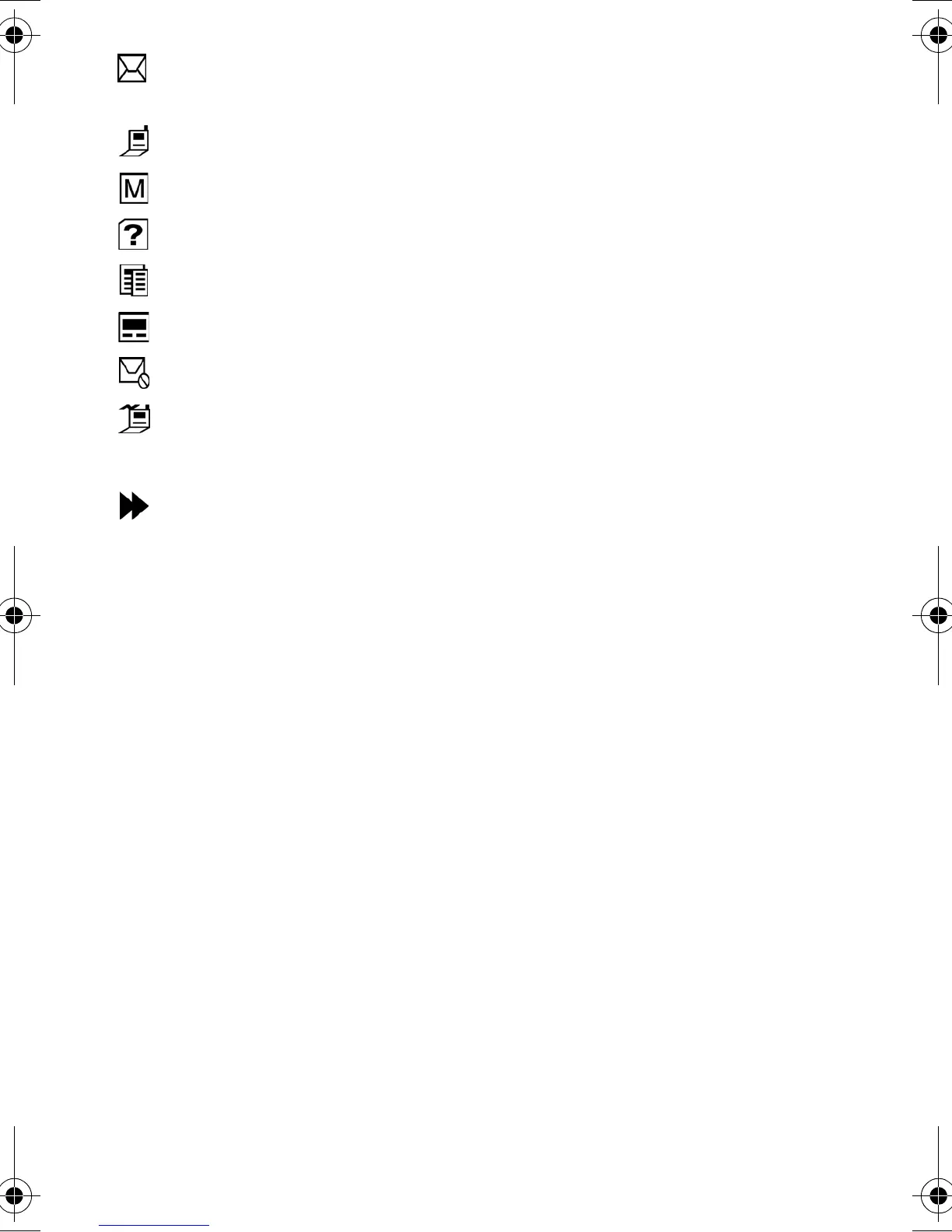
Message received: This icon indicates that an incoming text,
voicemail, page or web message has been received.
Mobile: This icon represents a mobile phone number.
Multi: This icon displays if multi messages are successfully delivered.
No label: This icon indicates that no label exists for this entry.
Office: This icon represents an office number.
Pager: This icon represents a pager number.
Send Failed: This icon displays if a message failed to be sent.
Speed Dial: This icon displays when the number you want to call is
available using the speed dial feature.
Urgent: This icon displays if a message is urgent.
a310verizon.book Page 22 Thursday, January 9, 2003 10:43 AM








 To Next Page