9
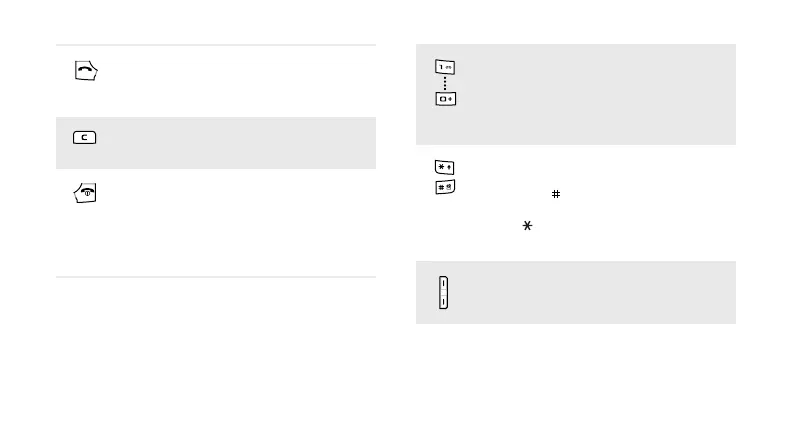
Make or answer a call.
In Idle mode, retrieve the numbers
recently dialled, missed, or received.
Delete characters from the display or
items in an application.
Press and hold to switch the phone
on or off.
End a call.
In Menu mode, cancel input and
return the phone to Idle mode.
Enter numbers, letters, and some
special characters. In Idle mode,
press and hold [
1
] to access your
voicemail server. Press and hold [
0
]
to enter an international call prefix.
Enter special characters or perform
special functions. In Idle mode, press
and hold [ ] to activate or
deactivate Silent mode. Press and
hold [ ] to enter a pause between
numbers.
Adjust the phone volume.



 To Next Page