Get started
8
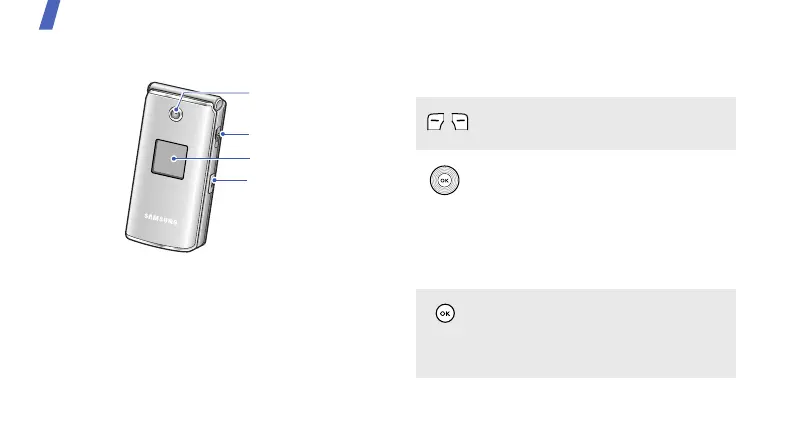
With the phone closed
Keys and icons
Keys
Camera lens
External display
Multi-function jack
Camera key
Perform the function indicated on the
bottom line of the display.
In Idle mode, access the following
menus directly.
• Up: My menu mode
• Down/Left/Right: your favourite
menus
In Menu mode, scroll through menu
options.
In Idle mode, launch the web
browser.
In Menu mode, select the highlighted
menu option or confirm input.



 To Next Page