Menu functions
Messages
(Menu 5)
49
Viewing a message
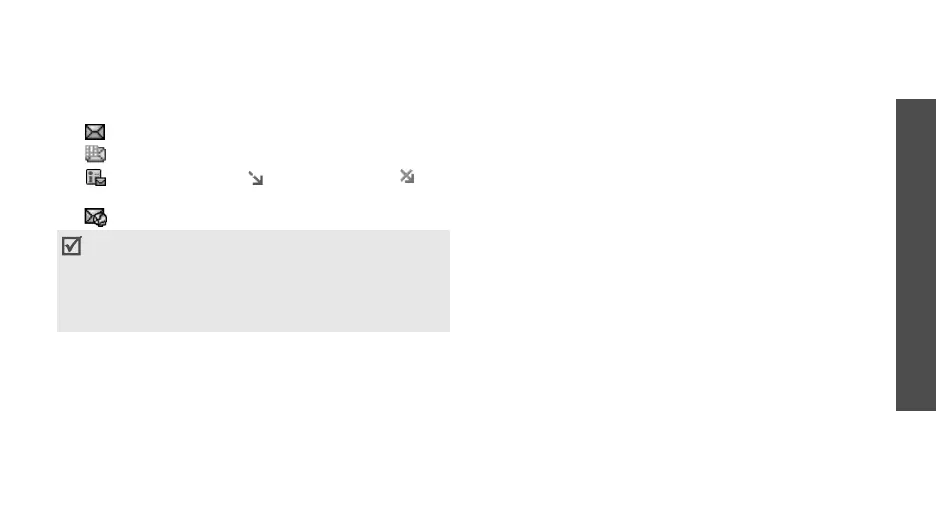
The following icons may appear on the message list;
depending on the message type or status, icons may
vary:
• SMS / Delivery report
• MMS
• MMS notification ( : Being retrieved, :
Failed to retrieve)
• Push message from web servers
Using message options
While viewing a message, press <
Options
> to access
the following options:
SMS messages
•
Reply via
: reply to the sender via SMS or MMS.
•
Forward
: forward the message to other people.
•
Delete
: delete the message.
•
Move to phone
/
Move to SIM
: move the
message between the SIM card and the phone’s
memory.
•
Add to block list
: add the sender’s number to the
Block list to reject the messages from the sender.
•
Cut
address
: extract URLs, e-mail addresses, or
phone numbers from the message.
•
Cut media
: save media content from the message
into your phone’s memory.
•
Print via Bluetooth
: print the message via a
Bluetooth-compatible printer.
•
Protection
: protect the message from being
deleted.
MMS messages/MMS notifications
•
Retrieve
: retrieve the MMS message from the
MMS server.
•
Reply via SMS
: reply to the sender via SMS.
•
Reply via MMS to
: reply to the sender via MMS.
• Depending on the DRM (Digital Rights
Management)
system, messages having web
content may not be
able to be forwarded.
• A
!
icon next to a message means that the
message is of high priority. A grey-coloured
message icon indicates low priority.



 To Next Page