62
Menu functions
Using image options
While viewing an image, press <
Options
> to access
the following options:
•
List
: return to the image list.
•
Send via
: send the file via MMS, e-mail, or
Bluetooth.
•
Set as
: set the image as wallpaper for the displays
or as a caller ID image for a Phonebook entry.
•
Edit
: add emoticons, frames, or effects to the
image.
•
Delete
: delete the file.
•
Rename
: change the file name.
•
Move to
(
favourite images
): move the file to
another folder.
•
Slide show
: view all images as a slide show.
•
Share for Bluetooth
: share the file with other
Bluetooth devices.
•
Print via Bluetooth
: print the image via a
Bluetooth-compatible printer.
•
Protection
: protect the file from being deleted.
•
Details
: access the file properties.
Videos
(Menu 6.2)
This menu displays video clips you have recorded,
downloaded, received in messages, or imported from
your computer.
Playing a video clip
1. Select a video folder.
2. Select a video clip.
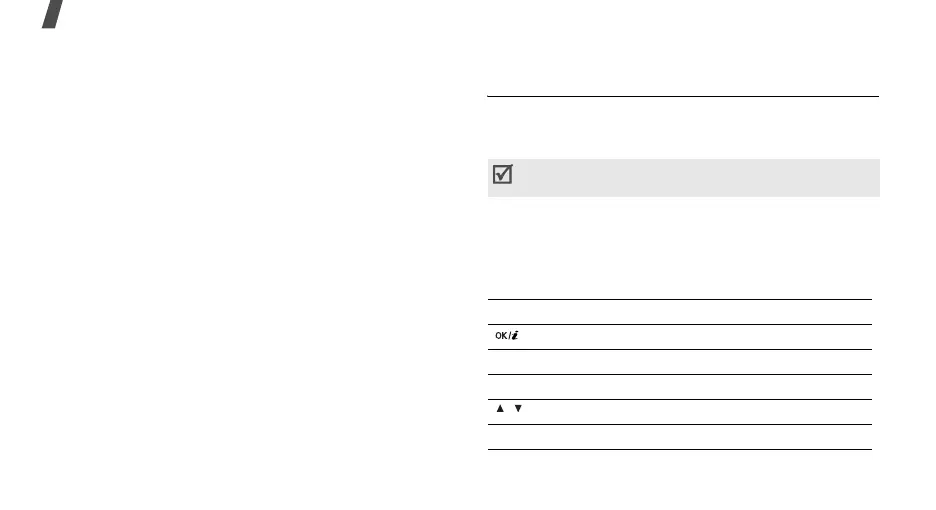
During playback, use the following keys.
Video clips recorded on other devices, such as
camcorders, may not play correctly.
Keys Function
Pauses or resumes playback.
Left Moves backward in the file.
Right Skips forward in a file.
/ Adjusts the volume.
Down Stops playback.



 To Next Page