Get started
9
Power on or off Keys and display
Keys
Switch on
Do not turn on
the phone when
mobile phone
use is prohibited.
1. Open the phone.
2. Press and hold [ ].
3. If necessary, enter the
PIN and press <
OK
>.
Switch off
1. Open the phone.
2. Press and hold [ ].
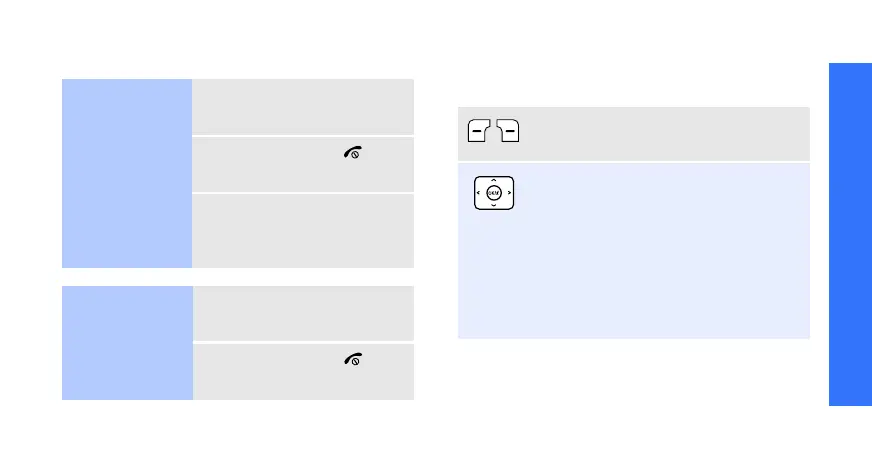
Perform the function indicated on the
bottom line of the display.
In Idle mode, access the following
menus directly:
• Up:
Camera
•Down:
Find name
•Left:
Create
in
Short messages
•Right:
Calendar
In Menu mode, scroll through menu
options.



 To Next Page