EasyManua.ls Logo

Samsung SGH-E420 - Page 14

Samsung SGH-E420
105 pages
Print Icon
To Next Page IconTo Next Page
To Previous Page IconTo Previous Page
Loading...
Get started
11
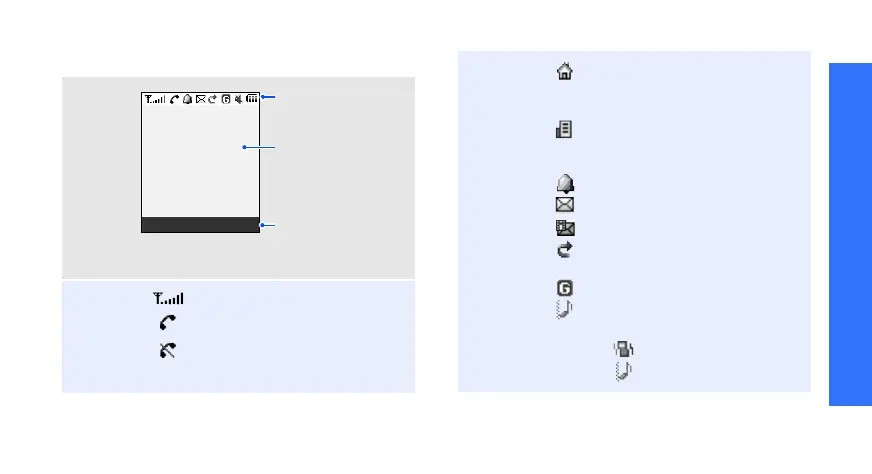
Display
Layout
Icons
1
Received signal strength
Call in progress
Out of your service area; you
cannot send or receive calls
Text and graphics
display messages,
instructions, and
information you enter.
Icons
display various icons.
Menu P
h
one
b
oo
k
Soft key function
indicators
show the current
functions assigned
to the soft keys.
Home Zone, if you have
registered for the appropriate
service
Office Zone, if you have
registered for the appropriate
service
Alarm set
p. 62
New SMS message
New MMS message
Call diverting feature active
p. 37
GPRS network
Call ringer type
p. 40
• None: Melody or Light only
•: :Vibration
•: :Vibration
then melody

Other manuals for Samsung SGH-E420

Related product manuals