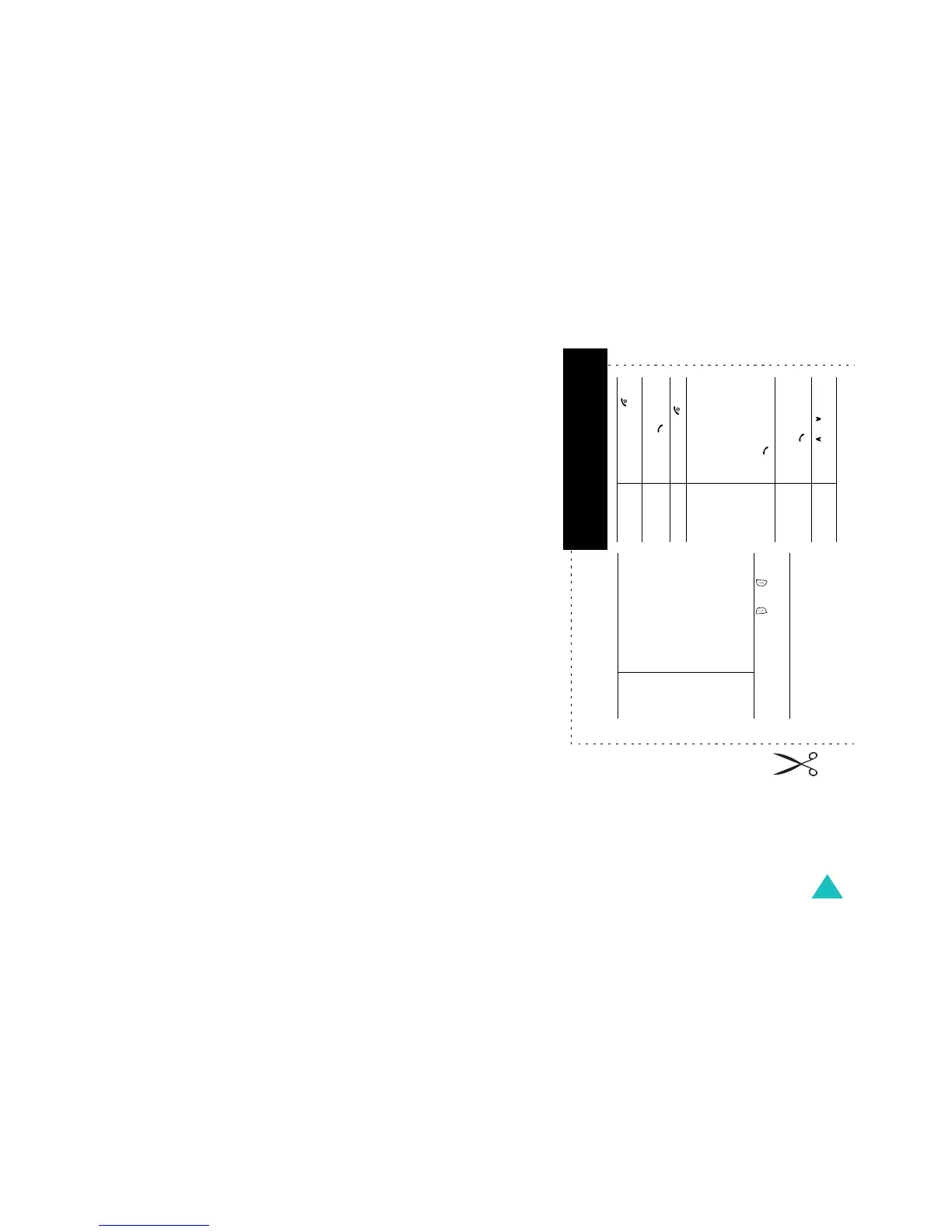
231
Access
the menu
functions
➀
Press the
Menu
soft key.
➁
Scroll by pressing the
Navigation keys through
the list of the menus until
you reach the menu you
want.
➂
Press the
Select
soft key.
➃
Scroll by pressing the Up
and Down keys through
the list of the options until
the one you want is
selected.
➄
Press the
Select
soft key.
Each of the two soft keys (
and )
perform the function indicated by the text
above it, on the bottom line of the display.
Switch on/off Press and hold the
key.
Make a call
➀
Enter the number.
➁
Press the key.
End a call Briefly press the
key.
View missed
calls
immediately
after missing
them
➀
Open the phone and
press the
View
soft
key.
➁
Scroll by pressing the
Up and Down keys
through the missed
calls.
➂
To return the call, press
the key.
Answer a call Open the phone
or
Press the key.
Adjust the
volume
Press the or key on
the left side of the phone.
SGH-E730 GPRS Telephone
Quick reference card



 To Next Page