Using the menus
50
9. Settings
(continued)
9.7 Security
9.7.1 PIN check
9.7.2 Change PIN
9.7.3 Phone lock
9.7.4 Change password
9.7.5 Privacy
9.7.6 SIM lock
9.7.7 FDN mode
*
9.7.8 Change PIN2
*
9.8 Memory status
9.8.1 Shared memory
9.8.2 Messages
9.8.3 File manager
9.8.4 Organiser
9.8.5 Phonebook
9.8.6 JAVA world
9.9 Reset settings
* Shows only if supported by your SIM card.
51
Call records
In this menu, you can view the:
• calls you have dialled, received, or missed.
• length of your calls.
• cost of your calls, depending on your SIM card.
Note
: You can access the call records of all 3 types of calls
by pressing the
key in Idle mode.
All calls
(Menu 1.1)
In this menu, you can view the 20 most recent calls
used, in the order you’ve dialled, received, or missed
them.
The numbers or names, if saved in your phone, display.
On the call list or details view, press the
Options
soft
key to access the following options:
Details
: shows details about the call, such as the
number or name, if available, the time and date it was
dialled, received, or missed. This option shows only in
the call list.
Call back
: dials the number.
Paste
: allows you to save the number in your
Phonebook. For further details about storing a number,
see page 57.
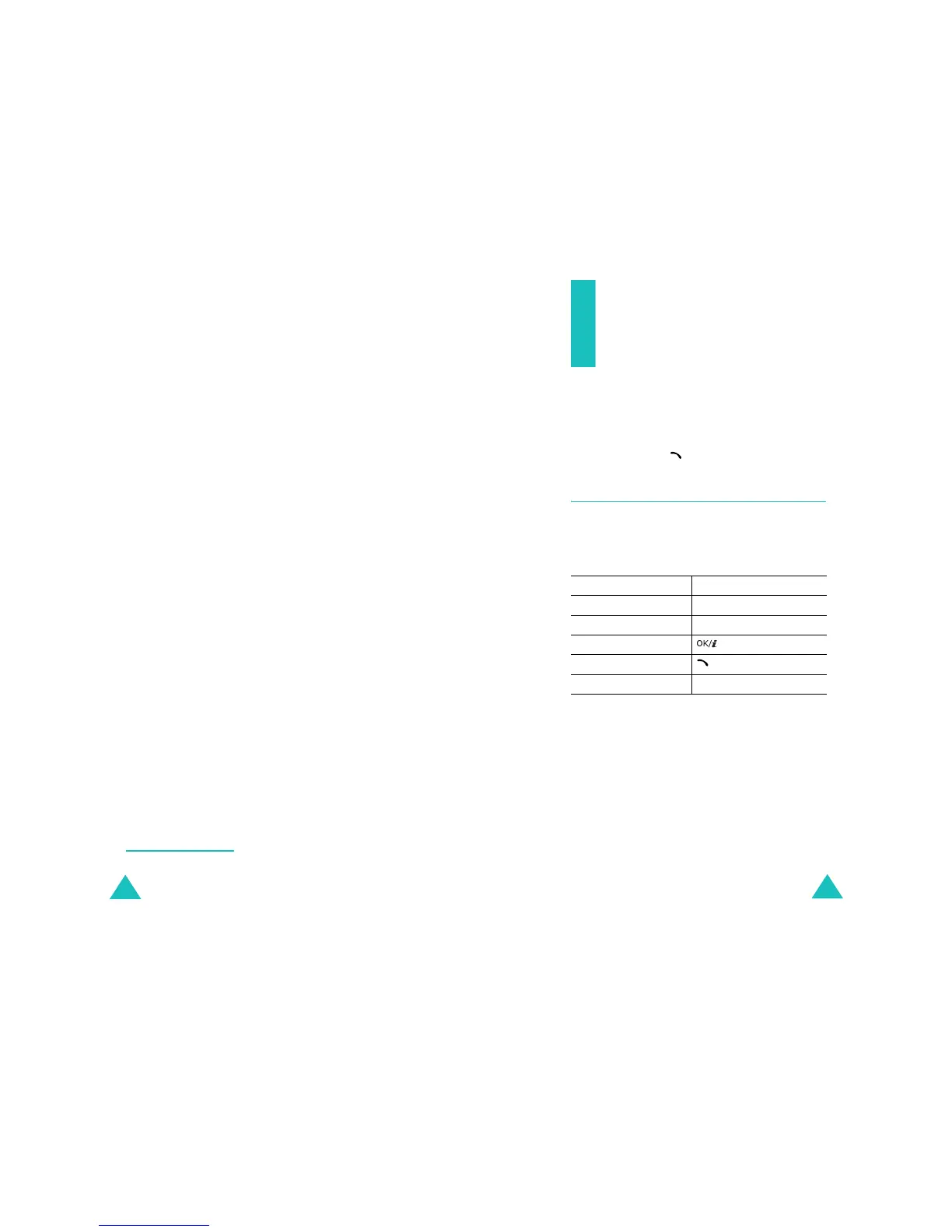
To Press the
select a call type Left or Right key.
scroll through the list Up or Down key.
view details of a call key.
call a number key.
exit the current screen
Back
soft key.



 To Next Page