3-1Samsung Electronics
3. Operating Instructions and Installation
3-1 Operating Instructions
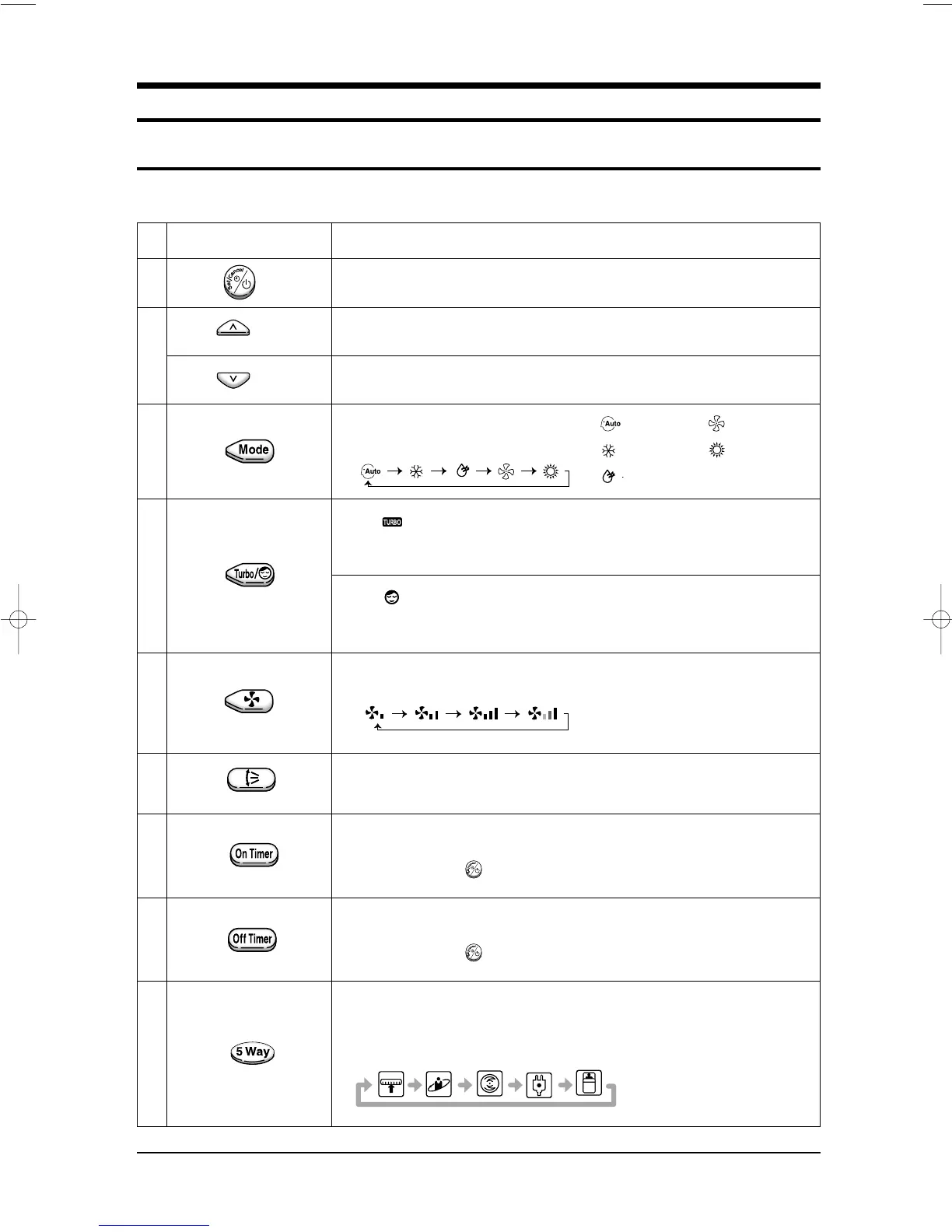
Each time you press this button,
FAN SPEED is changed in the following order.
Press until the appearance. the sleep timer can be used when
you are cooling or heating your room to switch the air conditioner off
automatically after a period of six hours.
Each time you press this button,
MODE is changed in the following order.
FUNCTION OF KEY
3-1-1 The Feature of Key in remote controller
: Auto Mode : Fan Only
: Cool Mode : Heat Mode
: Dry Mode
(DOWN)
Press until the appearance. the air conditioner cools or heats
the room as quickly as possible.
After 30minutes, the airconditioner is reset automatically to the previous mode.
FEATURE OF KEY
(UP)
NO
1
2
3
4
5
6
7
8
9
Adjust air flow vertically.
Power On/Off button to start and stop airconditioner or timer set up.
Temp. up button. To increase the temperature by the pressing
the temperature button.
Temp. down button. To decrease the temperature by the pressing
the temperature button.
The ON Timer enables you to switch on the air conditioner automatically
after a given period of time that is from 30 minutes to 24 hours.
To cancel, press the (Set/Cancel) button.
The Off Timer enables you to switch off the air conditioner automatically
after a given period of time that is from 30 minutes to 24 hours.
To cancel, press the (Set/Cancel) button.
To select the 5 way function with the remote control, press the (5 way)
button one or more times until the desired mode is selected.
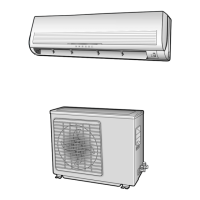
Each time you press the (5 way) button, each 5 way indicator on the indoor unit lights
up in order.
DB98_08728A(1)_SM_1 12/20/02 3:24 PM Page 2-5


 To Next Page