Operating Instructions & Installation
Samsung Electronics4
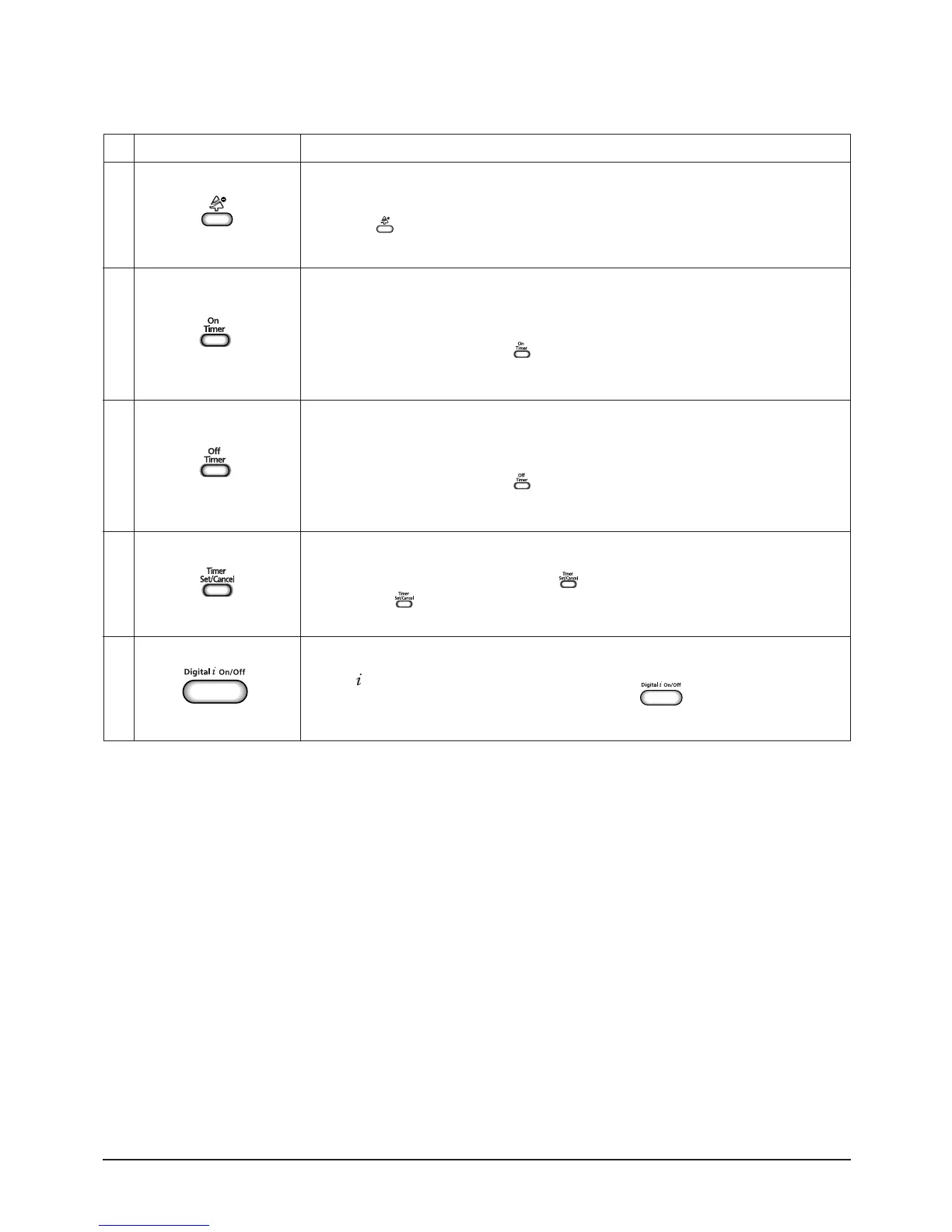
Digital On/Off button.
If you want to turn off the display during operation press the button.
Off Timer button.
The Off Timer enables you to switch off the air conditioner automatically after
a given period of time that is from 30 minutes to 24 hours.
To set the operating time, press the button one or more times until the required
time display.
FUNCTION
Anion button.
Press the button to generate ion from the air conditioner.
BUTTONNo
9
10
11
12
13
On Timer button.
The On Timer enables you to switch on the air conditioner automatically after
a given period of time that is from 30 minutes to 24 hours.
To set the operating time, press the button one or more times until the required
time display.
Timer Set/Cancel button.
After setting On Timer or Off Timer, press the button to set it completely.
And press the button again to cancel On Timer or Off Timer set.
DB98_21605A(1)_1 1/5/05 7:47 PM Page 4


 To Next Page